
ChatGPT Search SEO: 2026 Strategy for WordPress
Quick answer
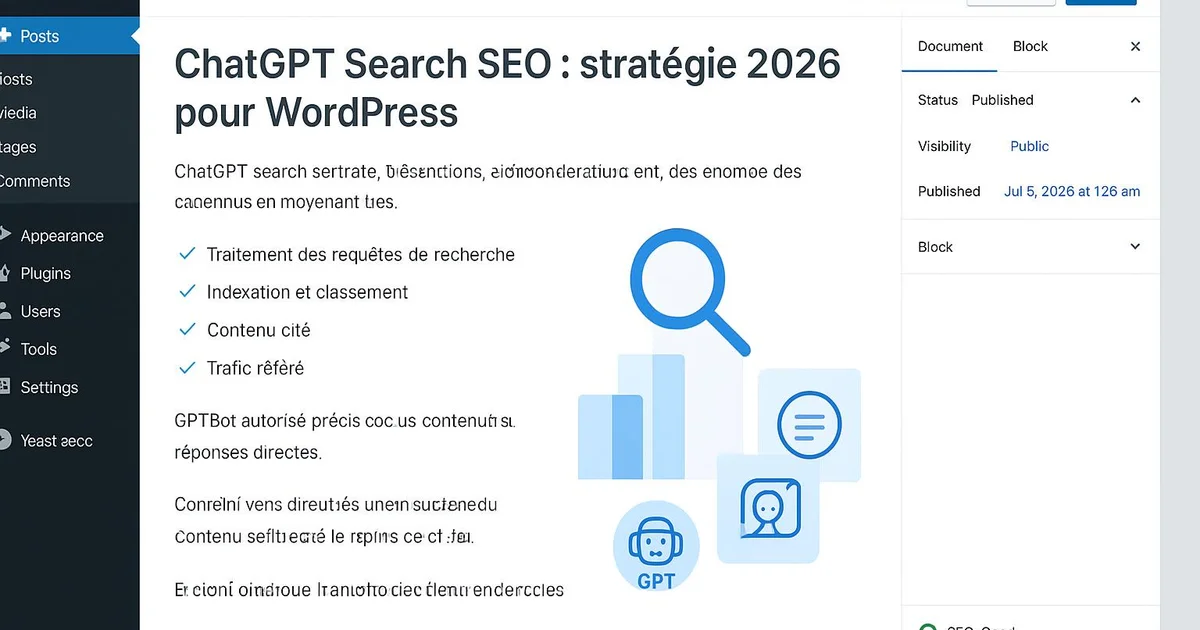
ChatGPT Search SEO means optimizing a WordPress site to be crawled by GPTBot and cited in ChatGPT's answers. In 2026, the strategy relies on crawlability (a robots.txt allowing GPTBot), direct structured answers, FAQs marked up with Yoast or RankMath, and stronger E-E-A-T signals.
Since OpenAI launched ChatGPT Search in late 2024, content publishers have observed a new visibility channel that partly escapes classic Google logic. In 2026, ChatGPT ranks among the most used search interfaces worldwide, and being cited in its answers can contribute to generating qualified traffic and brand awareness. For WordPress site owners, the question becomes concrete: how do you structure content to maximize your chances of appearing in these answers? The answer combines technical crawlability, editorial structuring, and authority signals. This article details a 2026 ChatGPT Search SEO strategy designed entirely for WordPress, with the relevant plugins, implementation examples, and a tracking method in Search Console. Tools like Selfhook help automate part of this preparation directly on your WordPress installation.
Definition
ChatGPT Search SEO is the set of practices aimed at making a website citable and referenceable by the search engine built into ChatGPT, by optimizing crawlability for GPTBot and the structure of answers.
How does ChatGPT Search work and why target WordPress?
ChatGPT Search relies on an index built notably via GPTBot, OpenAI's crawler, as well as on indexing partnerships. When a user asks a question, ChatGPT can fetch recent sources, synthesize them, and cite the pages deemed most relevant. Unlike Google, where ranking depends on hundreds of factors, ChatGPT Search favors clear, factual content that is easy to extract. For a WordPress site, this changes how you write and structure pages. The first step is to ensure GPTBot can access your site. On WordPress, this goes through the robots.txt file, editable via Yoast SEO (Settings > File editor) or RankMath. A directive blocking GPTBot prevents any citation: you must therefore check that no rule like « User-agent: GPTBot / Disallow: / » appears in your configuration, unless it's a deliberate editorial choice. WordPress offers a structural advantage: its plugin ecosystem makes it easy to add structured data, essential for ChatGPT to understand a page's context. Yoast and RankMath automatically generate Schema.org markup (Article, FAQPage, HowTo) that helps AI engines extract answers. Moreover, the clean HTML produced by modern themes (semantic Gutenberg blocks) improves machine readability. Targeting WordPress means capitalizing on a platform already well equipped for structuring, provided the extensions are configured correctly. To deepen the overall logic, see our generative-engine-optimization-guide.
Making your WordPress crawlable by GPTBot
Crawlability is the foundation of any ChatGPT Search SEO strategy. If GPTBot cannot explore your pages, no editorial optimization will help. On WordPress, several points warrant systematic verification. The robots.txt file must allow GPTBot, but also OAI-SearchBot, the user-agent specific to ChatGPT's search engine. These two crawlers have distinct roles: one feeds training, the other real-time indexing for answers. Beyond robots.txt, load speed and the absence of content hidden behind unrendered JavaScript matter. AI crawlers render JavaScript less well than Googlebot in some cases: a lightweight WordPress theme and server-side HTML content maximize extractability. Cache plugins like WP Rocket or LiteSpeed Cache can contribute to improving observed response times. Here are the concrete checks to run on WordPress:
- Edit robots.txt via Yoast (Settings > File editor) and confirm access for GPTBot and OAI-SearchBot
- Verify the noindex tag is not enabled by mistake on strategic pages in Yoast or RankMath
- Check the HTML rendering of articles with Search Console's URL inspection tool
- Optimize speed with a cache plugin and performant hosting
- Ensure an up-to-date XML sitemap is generated (native Yoast/RankMath feature)
How to structure your answers to be cited in ChatGPT?
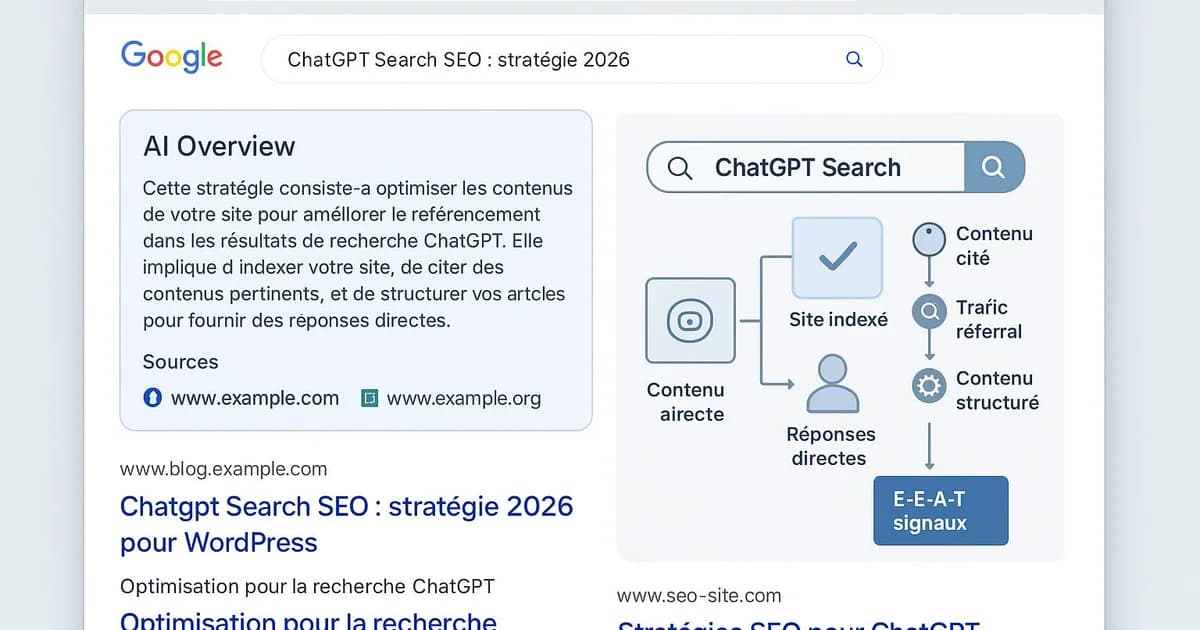
ChatGPT Search more readily cites content that answers questions directly and without detours. On WordPress, this logic translates into precise editorial architecture. Each article benefits from opening with a synthetic answer of 40 to 80 words placed just below the H1 title, before any development. This « answer first » format makes extraction easier for AI engines, which look for standalone, citable passages. H2 headings phrased as natural questions also increase the chances of semantic matching with user queries. In the Gutenberg editor, use heading blocks while respecting the hierarchy (H2, H3) rather than simply enlarging text. Clean markup helps ChatGPT segment your content. FAQs play a central role. By adding an FAQ block marked up with FAQPage Schema — natively offered by RankMath or via dedicated blocks — you provide ChatGPT with directly usable question/answer pairs. Each answer should stay concise (2 to 4 sentences) and factual. Avoid promotional language, which generative engines dislike. Finally, freshness matters: ChatGPT Search generally values recent content. On WordPress, displaying a visible update date and genuinely refreshing articles can contribute to their reuse. Selfhook and other tools help identify content to refresh. To go further, our article comment-etre-cite-dans-chatgpt details each citable format.
E-E-A-T signals and topical authority on WordPress
Beyond structure, ChatGPT Search relies on credibility signals to choose its sources. The E-E-A-T framework (Experience, Expertise, Authoritativeness, Trustworthiness), popularized by Google, remains relevant for generative engines that seek to cite reliable sources. On WordPress, several concrete elements strengthen these signals. Detailed author pages, with bio, photo, and links to professional profiles, help establish expertise. Yoast SEO lets you configure Person and Organization markup in its site representation settings. This Schema helps ChatGPT associate content with an identifiable entity. Adding real experience mentions (« we tested », first-hand data) strengthens the Experience signal, particularly valued since 2023. Topical authority is built by covering a subject in depth via a cluster of interconnected content. On WordPress, coherent internal linking between articles in the same cluster (via contextual links in Gutenberg) signals to ChatGPT that your site is a reference on the topic. Link your GEO articles together, as this guide does with tendances-ia-search-seo-2026. Trustworthiness also comes through visible trust elements: editorial policy, legal notices, a complete « About » page, HTTPS. These pages, easy to create on WordPress, are not details: they contribute to the overall assessment of a domain's reliability. In some cases, a site without an author page or source mentions will be less easily retained as a citable source, something to measure over time.
With Selfhook, a WordPress publisher can prepare their site for ChatGPT Search without complex technical work. Selfhook's SEO audit automatically checks GPTBot and OAI-SearchBot access in robots.txt, then flags pages mistakenly set to noindex. Content generation produces articles structured « answer first », with H2 headings as questions and FAQPage-marked-up FAQ blocks compatible with Yoast and RankMath. Finally, automated WordPress publishing integrates Person and Article Schema to strengthen E-E-A-T signals. The result: content designed from the start to maximize its chances of being cited in ChatGPT, with centralized performance tracking.
Selfhook centralizes content generation, SEO/GEO optimization, WordPress publishing and tracking in a single workflow.
See all features →Timeline
2023
OpenAI deploys GPTBot, the first official crawler letting sites allow or block access to their content.
Late 2024
Launch of ChatGPT Search with source citations and the OAI-SearchBot user-agent dedicated to real-time indexing.
2025
Widespread use of ChatGPT as a search engine, pushing publishers to optimize for AI citations.
2026
ChatGPT Search SEO strategy becomes a pillar in its own right, alongside classic Google SEO, on WordPress sites.
In 2026, being invisible to GPTBot means being invisible to a growing share of information seekers. AI crawlability is no longer a technical option—it's the prerequisite for any visibility strategy on WordPress.
FAQ
Should you allow GPTBot on your WordPress site?
To potentially be cited in ChatGPT Search, yes: GPTBot and OAI-SearchBot must be able to access your pages. Check the robots.txt file via Yoast or RankMath. Some publishers choose to block GPTBot for training while allowing OAI-SearchBot for indexing.
Does ChatGPT Search replace Google SEO?
No, it complements it. Google remains dominant in volume, but ChatGPT Search is an additional channel. The right approach in 2026 is to optimize for both, which a well-marked-up WordPress structure makes easier.
Which WordPress plugins help with ChatGPT Search SEO?
Yoast SEO and RankMath for Schema and robots.txt, FAQ blocks for FAQPage markup, and a cache plugin like WP Rocket for speed. These tools cover most technical needs.
How do you measure citations in ChatGPT?
Tracking remains indirect: monitor referral traffic from chatgpt.com in Google Analytics and Search Console. No exhaustive official data exists yet, so you must cross-reference sources and observe trends over time.
A B2B consulting WordPress site saw its Google traffic plateau despite good content. After an audit, it turned out GPTBot was blocked by a robots.txt rule inherited from an old security configuration. The team allowed GPTBot and OAI-SearchBot via Yoast, restructured its ten pillar articles into « answer first » format, added FAQPage-marked-up FAQ blocks, and completed author pages with Person Schema. Roughly two months later, they observed referral traffic appearing from chatgpt.com in Analytics, estimated at 4% of total visits—a previously nonexistent channel. The restructured articles were the ones cited most frequently.
Key takeaways
Verify GPTBot and OAI-SearchBot are allowed in WordPress robots.txt via Yoast or RankMath
Structure each article « answer first » with H2 headings phrased as questions
Add FAQPage-marked-up FAQ blocks to provide citable question/answer pairs
Strengthen E-E-A-T with author pages, Person Schema, and real experience mentions
Build topical authority through coherent internal linking between cluster articles
Track chatgpt.com referral traffic in Search Console and Analytics over time
Classic Google SEO vs ChatGPT Search SEO on WordPress
| Criterion | Google SEO | ChatGPT Search SEO |
|---|---|---|
| Main crawler | Googlebot | GPTBot / OAI-SearchBot |
| Favored content format | In-depth, interlinked content | Direct, extractable answers |
| Role of structured data | Important (rich results) | Central (answer extraction) |
| Performance measurement | Detailed Search Console | Indirect referral traffic to estimate |
| Key WordPress plugins | Yoast, RankMath | Yoast, RankMath, FAQ blocks, cache |
Related cluster articles
Reference guides
Automate with Selfhook
Conclusion
The 2026 ChatGPT Search SEO strategy does not replace traditional SEO: it extends it to a fast-growing new channel. On WordPress, the foundations already exist—crawlability via robots.txt, structured data with Yoast or RankMath, marked-up FAQs, and E-E-A-T signals. The challenge is configuring them with the logic specific to generative engines: answer directly, structure cleanly, prove your expertise. Publishers who prepare their site today can contribute to securing their future visibility. Selfhook automates this preparation, from the crawlability audit to publishing optimized content, so your WordPress is ready to be cited in ChatGPT.
Ready to automate your SEO content?
Book a 30-minute video demo: we show you Selfhook on your WordPress site, from SEO audit to publishing.
Request a demo