
WordPress GEO Techniques to Boost Your AI Citations
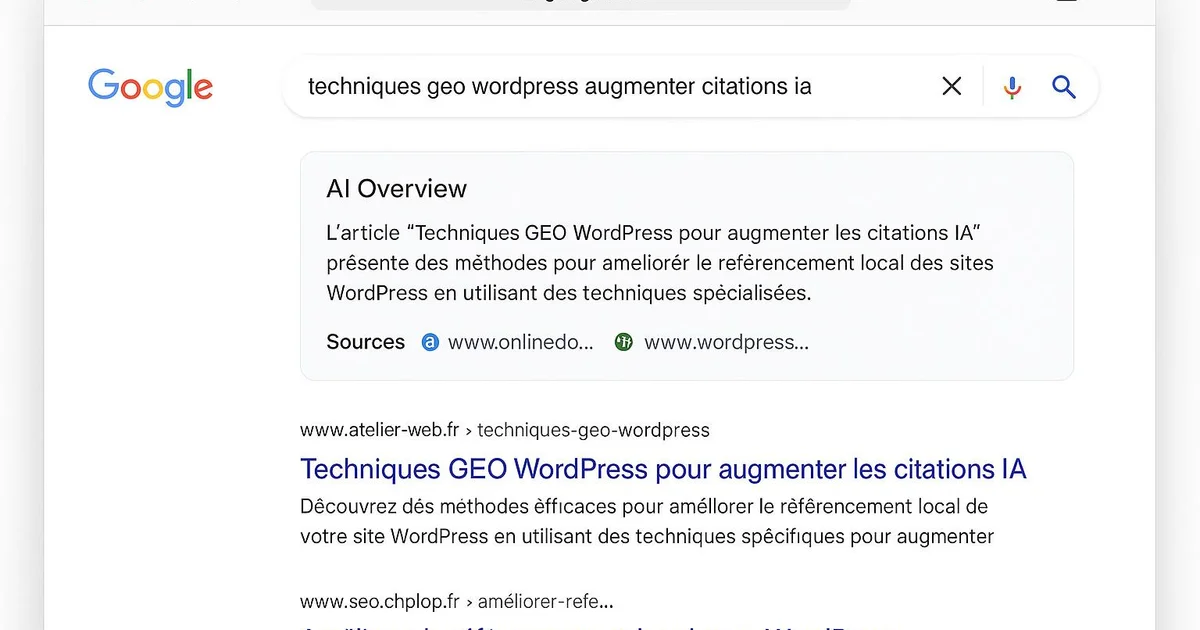
Quick answer
WordPress GEO techniques structure your content to be cited by ChatGPT, Gemini and AI Overviews. On WordPress, this involves quick answers, FAQ blocks in JSON-LD via Yoast or RankMath, strong topical authority, an llms.txt file, and optimized crawlability for LLM bots.
Generative engines like ChatGPT, Gemini and Perplexity, along with Google's AI Overviews, redistribute traffic differently from classic blue links. For a WordPress publisher, the question becomes: how do I get my content cited by these AIs? Traditional SEO is no longer enough. Pages must be structured to be extracted, summarized and attributed. The good news: WordPress, with plugins like Yoast, RankMath and a few technical tweaks, offers all the necessary levers. In this tutorial, we detail the 8 most effective GEO techniques to implement directly in WordPress, with concrete examples in the interface and via the WP API. Each technique may contribute to improving your visibility in generative answers, to be measured in Search Console and server logs. Selfhook automates all these techniques for WordPress publishers who want to save time.
How to structure a citable quick answer on WordPress?
The quick answer is a 40-to-80-word block placed at the top of the article that directly answers the target query. Engines like ChatGPT and AI Overviews favor these concise, self-contained answers to generate their citations. On WordPress, you implement it with a dedicated Gutenberg block or a reusable shortcode. Yoast and RankMath don't create the quick answer, but they help you validate the passage's readability. Ideally, start the answer with the topic itself, without a vague introduction, to maximize extractability by LLMs.
- Create a reusable 'Quick Answer' Gutenberg block to insert at the top of articles
- Start the answer with the main keyword, between 40 and 80 words
- Check the passage's readability via Yoast or RankMath analysis
Why do JSON-LD FAQs boost AI citations?
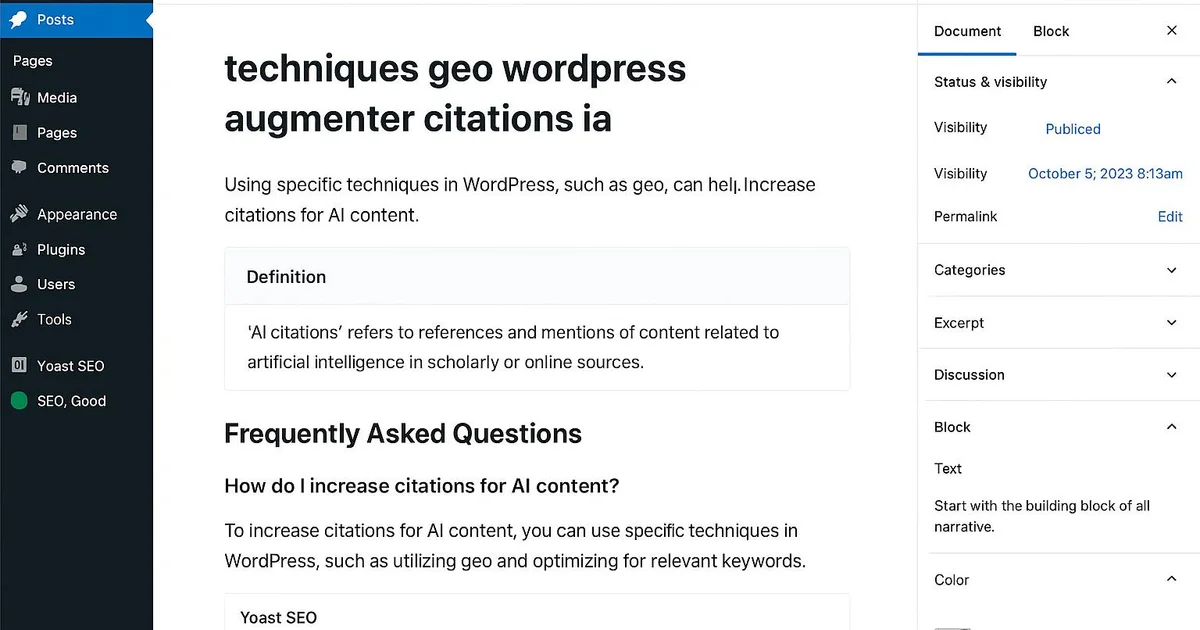
FAQ blocks structured in JSON-LD provide engines with ready-to-cite question-answer pairs. ChatGPT and Perplexity often draw from these formats to answer users' natural questions. On WordPress, both Yoast SEO and RankMath include a Gutenberg FAQ block that automatically generates the FAQPage schema. Just add the 'FAQ' block in the editor, fill in questions and answers, and the JSON-LD markup is injected into the source code. This structuring may contribute to increasing citations, depending on the topic and answer quality.
- Add the Yoast or RankMath FAQ block directly in Gutenberg
- Phrase questions in natural language (how, why, when)
- Verify the generated JSON-LD with Google's Rich Results Test tool
Building strong topical authority and E-E-A-T
Topical authority is the comprehensive coverage of a subject through interconnected content clusters. Generative engines generally favor sites that demonstrate deep expertise. On WordPress, this translates into a silo architecture, coherent internal linking and pillar pages. E-E-A-T (Experience, Expertise, Authoritativeness, Trust) is strengthened through detailed author pages, Person schema and cited sources. RankMath offers advanced author settings, and you can link each article to the WordPress GEO cluster to signal your topical authority.
- Create pillar pages linked to satellite articles via internal linking
- Configure a rich author bio with Person schema in RankMath
- Link your articles to the WordPress GEO cluster (complete guide, best practices)
How to optimize LLM crawlability with llms.txt and freshness?
The llms.txt file is an emerging standard that tells LLM bots which content to prioritize, much like robots.txt. On WordPress, you place it at the site root, either manually via FTP or through a file management plugin. Freshness also matters: ChatGPT and Gemini often favor recent content. Updating the WordPress modification date and regularly refreshing data may contribute to maintaining citability. Finally, make sure AI crawler user-agents (GPTBot, ClaudeBot, PerplexityBot) are not blocked in your robots.txt.
- Add an llms.txt file to the WordPress site root
- Allow GPTBot, ClaudeBot and PerplexityBot in robots.txt
- Regularly update the modification date of key articles
Take a concrete case: a WordPress article on 'email marketing migration' stagnates with no AI citations. You open the article in Gutenberg, add a 60-word Quick Answer block at the top, then the RankMath FAQ block with 5 natural questions. You then create an llms.txt file listing your pillar pages and verify in server logs that GPTBot accesses the site correctly. Two to four weeks later, to be measured in Search Console and via manual tests on Perplexity, you generally observe the first citations appearing and a rise in impressions on conversational queries. As every site varies, these results remain estimates to validate.
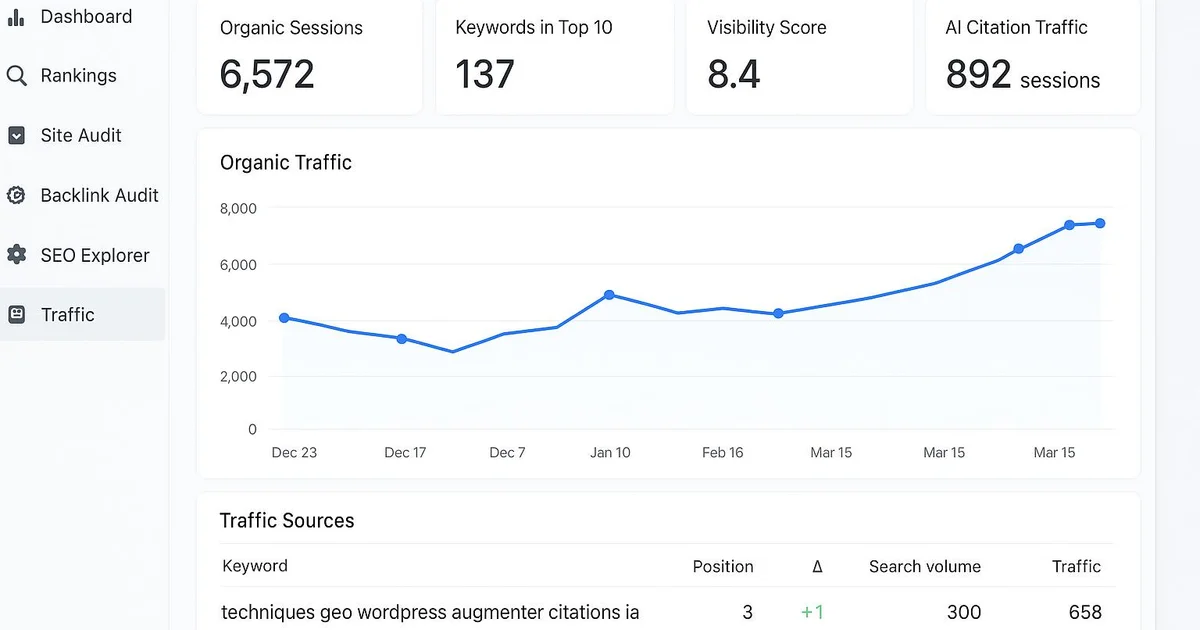
Selfhook automates all 8 GEO techniques directly in WordPress. During AI generation of an article, Selfhook automatically inserts an optimized quick answer, a JSON-LD FAQ block, and structures the content for topical authority. Its SEO audit checks E-E-A-T, LLM crawlability and the presence of the llms.txt file. Automated WordPress publishing pushes content already optimized for Yoast, with a freshness date and internal linking to your GEO cluster. The result: instead of manually applying each technique across dozens of articles, you let Selfhook implement them at scale, which may contribute to increasing your citations in ChatGPT and AI Overviews.
Key takeaways
Placing a 40-80 word quick answer at the top of articles maximizes extractability by LLMs
Yoast or RankMath FAQ blocks generate the JSON-LD favored by ChatGPT and Perplexity
Topical authority and E-E-A-T strengthen generative engines' trust
An llms.txt file and allowing AI crawlers improve LLM crawlability
Content freshness may contribute to maintaining citations over time
Selfhook automates these 8 techniques directly in WordPress
Selfhook centralizes content generation, SEO/GEO optimization, WordPress publishing and tracking in a single workflow.
See all features →FAQ
What is a GEO technique on WordPress?
A GEO technique is an optimization designed to get your content cited by generative engines like ChatGPT or AI Overviews. On WordPress, it's implemented via Gutenberg blocks, plugins like Yoast or RankMath, and technical tweaks like llms.txt.
How do I know if my WordPress site is cited by AIs?
You can manually test queries on ChatGPT, Perplexity and Gemini to see if your site appears. Complement this with impression tracking in Search Console and server log analysis to spot AI crawler visits like GPTBot.
Yoast or RankMath: which one for WordPress GEO?
Both handle JSON-LD and FAQ blocks. RankMath offers more granular author and schema settings useful for E-E-A-T, while Yoast provides effective readability analysis for quick answers. The choice depends on your specific needs.
Is the llms.txt file really useful?
llms.txt is an emerging standard, not yet universally respected by all engines. In some cases, it can help guide LLM crawlers toward your priority content. Its addition remains low-cost and risk-free on WordPress.
How long before I see AI citations?
It varies by topic, domain authority and crawl frequency. First effects are generally observed within a few weeks, to be measured via manual tests and Search Console. These are estimates, not ensures.
Operational checklist
Related cluster articles
Automate with Selfhook
Conclusion
Boosting your AI citations on WordPress relies on a combination of concrete GEO techniques: quick answers, JSON-LD FAQs, topical authority, E-E-A-T, freshness, llms.txt and LLM crawlability. None ensures a result, but together they may contribute to improving your visibility in ChatGPT, Gemini and AI Overviews, to be measured in Search Console. Applied manually, these techniques take time on each article. Selfhook automates them directly in WordPress, from AI generation to optimized publishing. To go further, check out our complete WordPress GEO guide and our WordPress GEO best practices to build a durable strategy that's citable by generative engines.
Ready to automate your SEO content?
Discover how Selfhook can help you create and publish quality SEO content
Start for free