
Optimize WordPress for ChatGPT: 2026 Guide
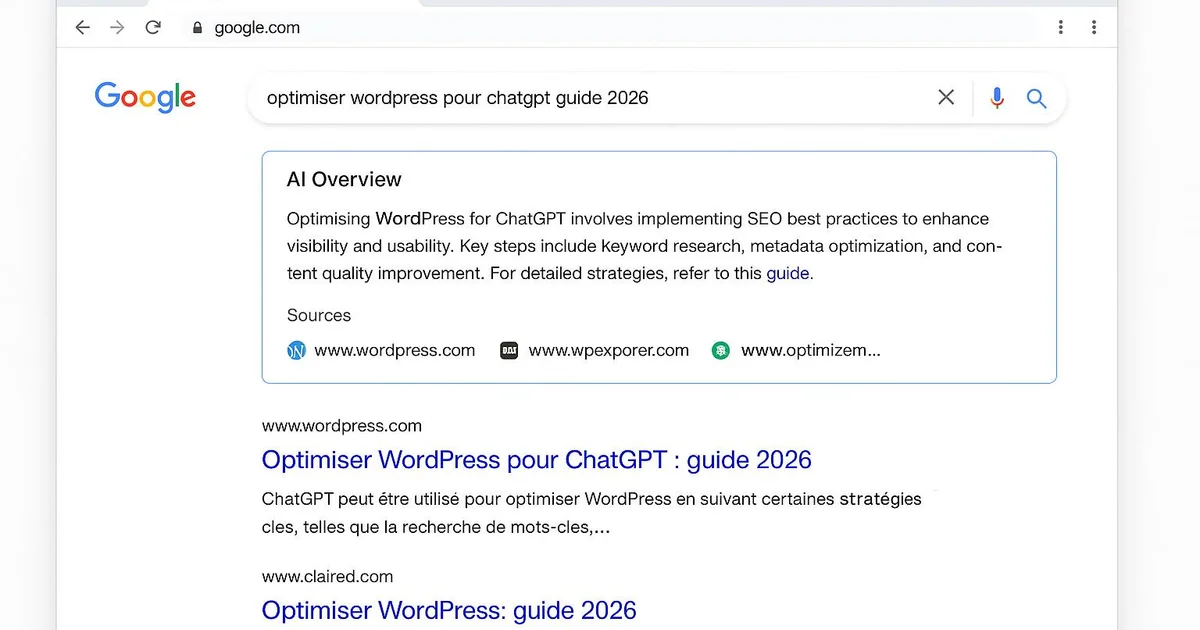
Quick answer
Optimizing WordPress for ChatGPT in 2026 means allowing GPTBot in robots.txt, structuring content as direct answers, adding FAQ JSON-LD via Yoast or RankMath, and strengthening E-E-A-T signals (author, sources, dates). These actions can contribute to improving your chances of being cited in ChatGPT Search, to be measured in Search Console and your server logs.
ChatGPT Search has become a real traffic source for WordPress sites in 2026. The problem: most sites unintentionally block GPTBot, poorly structure their answers, or neglect the E-E-A-T signals ChatGPT evaluates before citing a source. As a result, relevant content stays invisible in generated answers. This 2026 guide details, step by step, how to prepare your WordPress for ChatGPT: allowing GPTBot, structuring direct answers, FAQ JSON-LD via Yoast or RankMath, and reinforcing authority. Every tip is anchored in the WordPress interface and the plugins you already use. Tools like Selfhook integrate these signals automatically on every publish, but you can also apply them manually. The goal: maximize your chances of being cited, depending on the topic, and measure the impact in Search Console.
How to allow GPTBot on WordPress?
GPTBot is OpenAI's crawler that feeds ChatGPT Search. If blocked, your WordPress content cannot be indexed or cited. The first step is to check and configure your robots.txt file. On WordPress, this file is often generated dynamically by Yoast or RankMath. You can edit it via Yoast SEO > Tools > File editor. Then check your server logs or a plugin like WP Activity Log to confirm GPTBot is accessing your pages. In some cases, a Cloudflare firewall blocks AI bots: remember to create an explicit allow rule.
- Edit robots.txt via Yoast SEO > Tools > File editor and add User-agent: GPTBot then Allow: /
- Verify no Cloudflare rule or security plugin (Wordfence) blocks GPTBot
- Check server logs to confirm GPTBot and OAI-SearchBot visits
Why is structuring content as direct answers essential?
ChatGPT favors passages that directly answer a search intent. On WordPress, this means opening each section with a clear answer sentence before developing. Use the Gutenberg editor to structure your H2 and H3 as questions, and place the answer in the very first sentence of the paragraph. Gutenberg list and table blocks are particularly well extracted by AI engines. Yoast and RankMath offer a readability analysis that helps shorten sentences. This approach, generally observed as effective, increases the probability of a passage being citable by ChatGPT.
- Frame H2 titles as natural questions in Gutenberg
- Place the answer in the first sentence of each section (40-60 words)
- Use Gutenberg list and table blocks, better extracted by ChatGPT
How to add FAQ JSON-LD on WordPress?
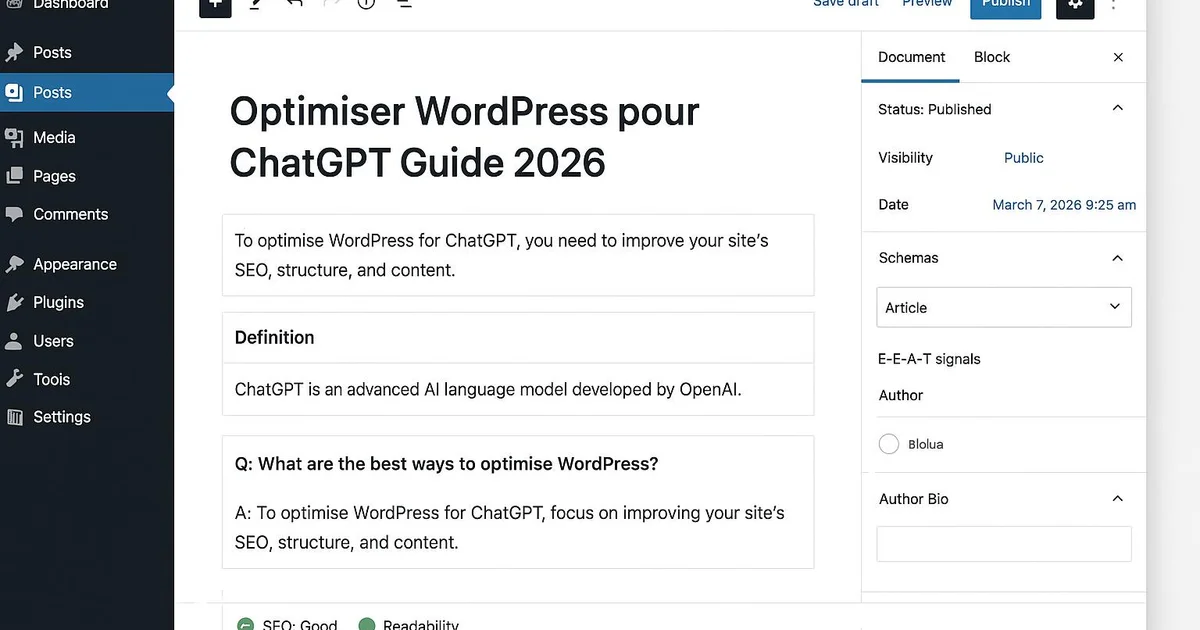
FAQ JSON-LD markup helps ChatGPT identify usable question-answer pairs. On WordPress, RankMath's FAQ block or Yoast's structured extension generate this schema automatically. Add an FAQ block at the bottom of each article with 4 to 6 questions reflecting your readers' real queries. Verify the rendering with Google's Rich Results Test tool. Combine this markup with an Article or BlogPosting schema including author and publication dates. To go further, see our guide comment-etre-cite-dans-chatgpt which details the most reused answer formats.
- Insert RankMath's FAQ Schema block or Yoast's FAQ addon at article end
- Use real queries from Search Console as questions
- Validate the JSON-LD with Google's Rich Results Test tool
Which E-E-A-T signals should you strengthen for ChatGPT?
ChatGPT evaluates experience, expertise, authoritativeness and trustworthiness (E-E-A-T) before citing a source. On WordPress, this involves detailed author pages, Person schema markup, visible update dates and reliable external sources. Yoast lets you link each article to a structured author. Add biographies with links to LinkedIn profiles or publications. Internal links to your cluster, like geo-wordpress-guide-complet, reinforce topical consistency and topical authority, two elements ChatGPT seems to value depending on the topic.
- Create complete author pages with Person schema via Yoast
- Display publication and last update dates on articles
- Build internal links to the GEO WordPress cluster (geo-wordpress-guide-complet)
Take a WordPress publisher in the finance niche. After adding User-agent: GPTBot / Allow: / to robots.txt via Yoast, they check their server logs and see 0 GPTBot visits the first week — a Wordfence firewall was blocking the bot. Once the allow rule is added, logs show roughly 40 to 60 GPTBot visits per day the following month (estimate). In parallel, they restructure their 10 pillar articles as direct answers and add RankMath FAQ blocks. Three months later, several branded queries appear as cited sources in ChatGPT Search, an impact they track via logs and direct mentions, since Search Console offers no native report.
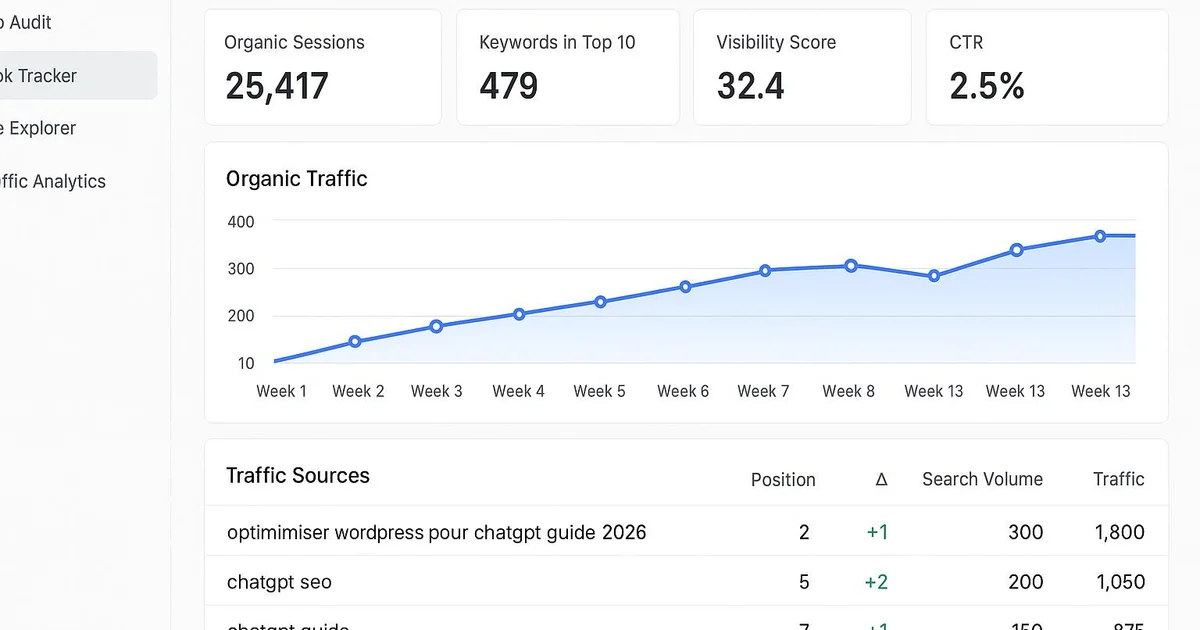
With Selfhook, these settings are applied automatically on every WordPress publish. During content generation, Selfhook structures each article as direct answers, adds FAQ JSON-LD and inserts E-E-A-T signals (author, dates, sources). Its SEO audit verifies that GPTBot is allowed in robots.txt and alerts if a firewall blocks AI bots. Automated WordPress publishing then pushes the optimized article straight into Gutenberg, schema markup included. The result: you prepare your site for ChatGPT Search with no manual work, which can contribute to increasing your citations, to be measured depending on your topic.
Key takeaways
Explicitly allow GPTBot in robots.txt and check firewalls (Wordfence, Cloudflare)
Structure each section as a direct answer in the first sentence in Gutenberg
Add FAQ JSON-LD via RankMath or Yoast and validate the markup
Strengthen E-E-A-T with author pages, update dates and Person schema
Measure impact via GPTBot server logs, since Search Console has no native report
Selfhook centralizes content generation, SEO/GEO optimization, WordPress publishing and tracking in a single workflow.
See all features →FAQ
How to verify GPTBot accesses my WordPress?
Check your server logs or a plugin like WP Activity Log and filter user-agents containing GPTBot or OAI-SearchBot. A total absence of visits often indicates a block by robots.txt or a security firewall.
Should I block GPTBot to protect my content?
It depends on your strategy. Blocking GPTBot protects your content from training, but also prevents your citations in ChatGPT Search. To gain visibility, allowing it is generally recommended depending on the topic.
Yoast or RankMath for FAQ JSON-LD?
Both generate valid FAQ markup. RankMath offers a native FAQ Schema block that's very simple to use, while Yoast provides a structured addon integrated into Gutenberg. The choice depends on your existing setup.
Does ChatGPT Search appear in Search Console?
No, Search Console does not distinguish ChatGPT traffic to date. You must analyze server logs, chatgpt.com referrers and direct mentions to estimate the impact of your optimization.
How long before being cited in ChatGPT?
No timeframe is recommended. In some cases, citations appear within a few weeks after allowing GPTBot and restructuring, but this varies greatly depending on domain authority and topic.
Operational checklist
Related cluster articles
Automate with Selfhook
Conclusion
Optimizing WordPress for ChatGPT in 2026 no longer relies on a single setting, but on a coherent combination: GPTBot access, direct answers, structured FAQs and solid E-E-A-T signals. These actions can contribute to improving your chances of being cited in ChatGPT Search, to be measured depending on your topic via logs and referrers. The challenge lies in repeating these best practices on every publish. That's exactly what Selfhook automates: optimized content generation, continuous SEO audit and AI-ready WordPress publishing. Start by allowing GPTBot today, then check our guide optimiser-wordpress-pour-chatgpt to go deeper.
Ready to automate your SEO content?
Discover how Selfhook can help you create and publish quality SEO content
Start for free