
Optimize WordPress for ChatGPT: Practical Guide 2026
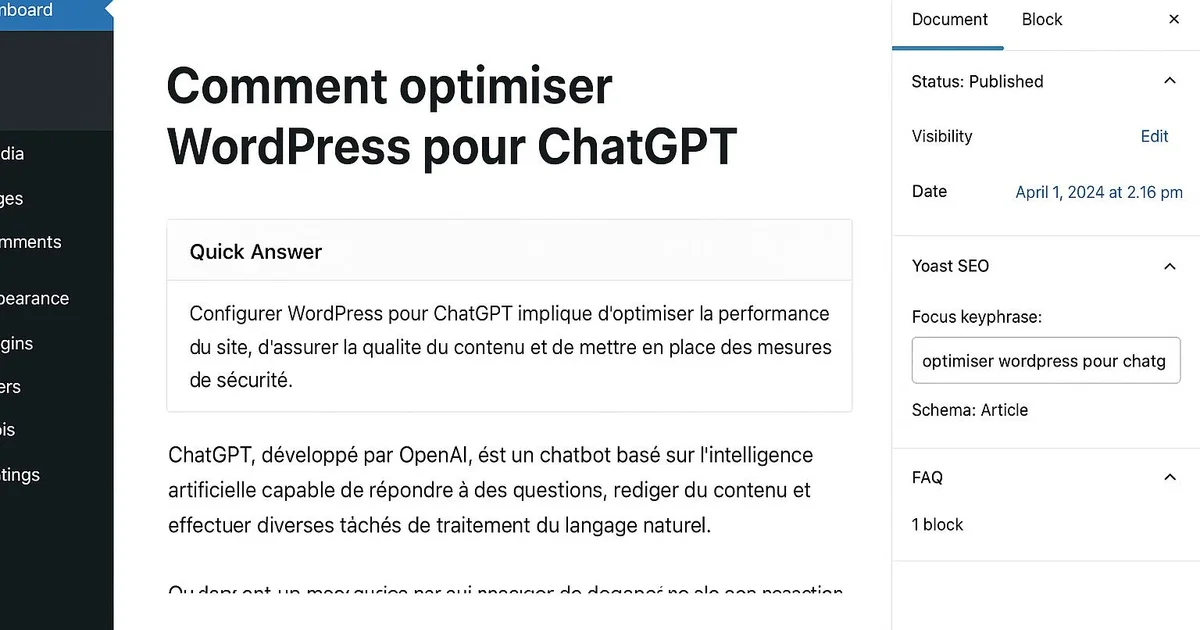
Quick answer
Optimizing WordPress for ChatGPT means allowing GPTBot in robots.txt, structuring each article with direct answers in H2, adding FAQ markup in Schema, and reinforcing E-E-A-T signals. On WordPress, this involves Yoast or RankMath, a Schema plugin, and clear content organization to maximize citation chances.
ChatGPT now relies on recent web data through its GPTBot crawler and browsing features. For a WordPress publisher, appearing in these generative answers is becoming as important as classic Google SEO. The problem: most WordPress sites unintentionally block GPTBot, publish articles without direct answers, and neglect structured markup. As a result, they stay invisible to AI. The good news is that WordPress offers all the levers needed: robots.txt settings, plugins like Yoast or RankMath, Schema extensions, and full HTML control. In this tutorial, we detail each concrete step, plugin by plugin, to make your WordPress citable by ChatGPT. Selfhook can automate much of this configuration on every publish, but each setting remains achievable manually.
How to allow GPTBot to crawl your WordPress?
The first step to being visible in ChatGPT is letting GPTBot, OpenAI's crawler, access your WordPress site. Many setups, particularly through security plugins like Wordfence or CDN rules, block this bot by default. On WordPress, you can edit the virtual robots.txt via Yoast SEO (Tools → File editor) or RankMath. Then verify in Search Console and your server logs that GPTBot isn't rejected by an .htaccess rule or firewall. Allowing the crawl doesn't ensure citation, but in most cases it's an essential prerequisite observed on cited sites.
- Open the robots.txt editor in Yoast SEO or RankMath and check for no Disallow on GPTBot
- Explicitly add: User-agent: GPTBot / Allow: / in the WordPress robots.txt
- Check Wordfence, Cloudflare, or .htaccess rules that could block the user-agent
Structuring your WordPress articles into direct answers
ChatGPT favors content that answers a question clearly and immediately. On WordPress, this means organizing each article with an H2 phrased as a question, followed by a concise 40-80 word answer in the very first sentence. The Gutenberg editor makes this structuring easy with its heading and paragraph blocks. Yoast and RankMath help you control heading hierarchy through their readability analysis. This approach, also useful for Google's AI Overviews, increases—depending on the topic—the chances an excerpt is reused as-is by AI.
- Phrase H2 headings as questions in Gutenberg Heading blocks
- Place a 40-80 word direct answer right after each H2
- Use bullet lists and Gutenberg tables to ease extraction
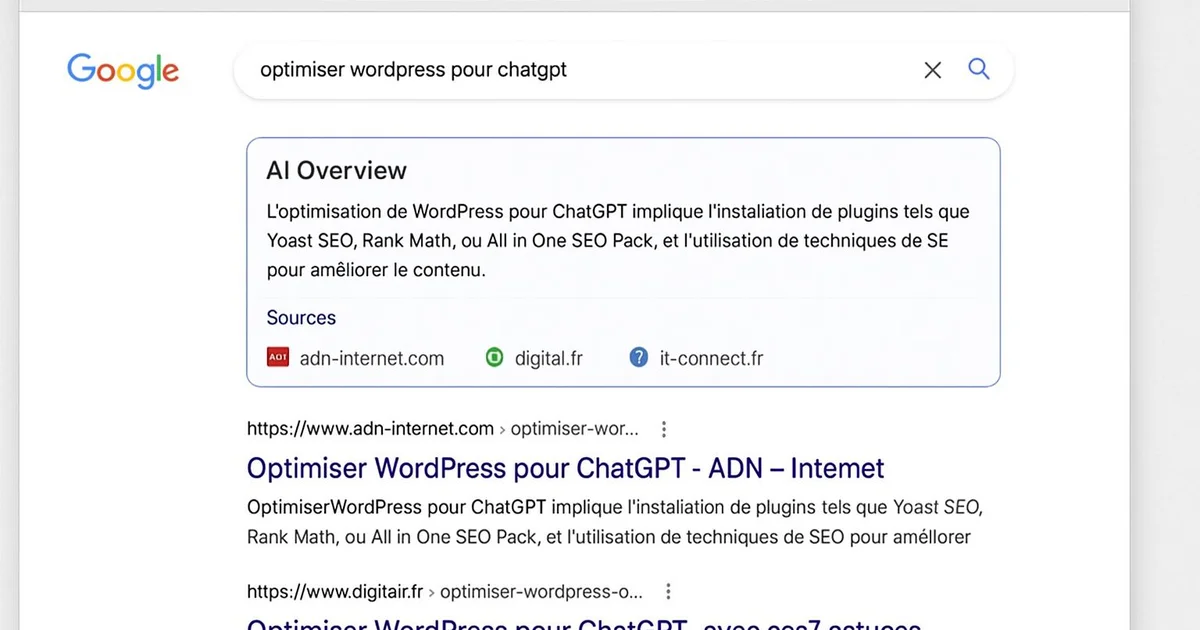
Why is structured FAQ essential on WordPress?
A FAQ marked up with FAQPage Schema helps ChatGPT identify clear, citable question-answer pairs. On WordPress, Yoast offers a native FAQ block in Gutenberg that automatically generates JSON-LD markup. RankMath provides an equivalent block, and dedicated plugins like Schema Pro enable advanced control. The goal is to cover the questions your topic's users actually ask. This format aligns your content with how ChatGPT and Perplexity extract information, which can contribute to improved generative visibility.
- Insert the Yoast or RankMath FAQ block at the end of the article in Gutenberg
- Verify the generated FAQPage JSON-LD with Google's Rich Results Test
- Write 4 to 6 natural questions with 2-4 sentence answers
Reinforcing E-E-A-T signals on your WordPress site
ChatGPT and Google value content that demonstrates experience, expertise, authority, and trust (E-E-A-T). On WordPress, this translates into detailed author pages, Person and Organization Schema markup, complete legal notices, and cited sources. Yoast SEO lets you configure Author and Organization Schema in its settings, while plugins like WP User Manager enrich profiles. These signals don't ensure citation, but they are generally observed on sources reused by generative AI.
- Create complete author pages with bio, expertise, and links to verified profiles
- Configure Organization and Author Schema in Yoast SEO settings
- Add visible update dates and cited sources in each article
Take a gardening-focused WordPress blog using RankMath. The editor notices in server logs that GPTBot consistently returns a 403 code. Inspecting Wordfence, they discover a rule blocking AI crawlers. After disabling it and adding Allow: / for GPTBot in robots.txt, they restructure their flagship article "How to prune a rose bush?" with a question H2 and a 60-word answer at the top. They add a Yoast FAQ block with 5 common questions. Three weeks later, they observe in their tracking that their content is reused when querying ChatGPT about rose pruning, with their domain mentioned as a consulted source.
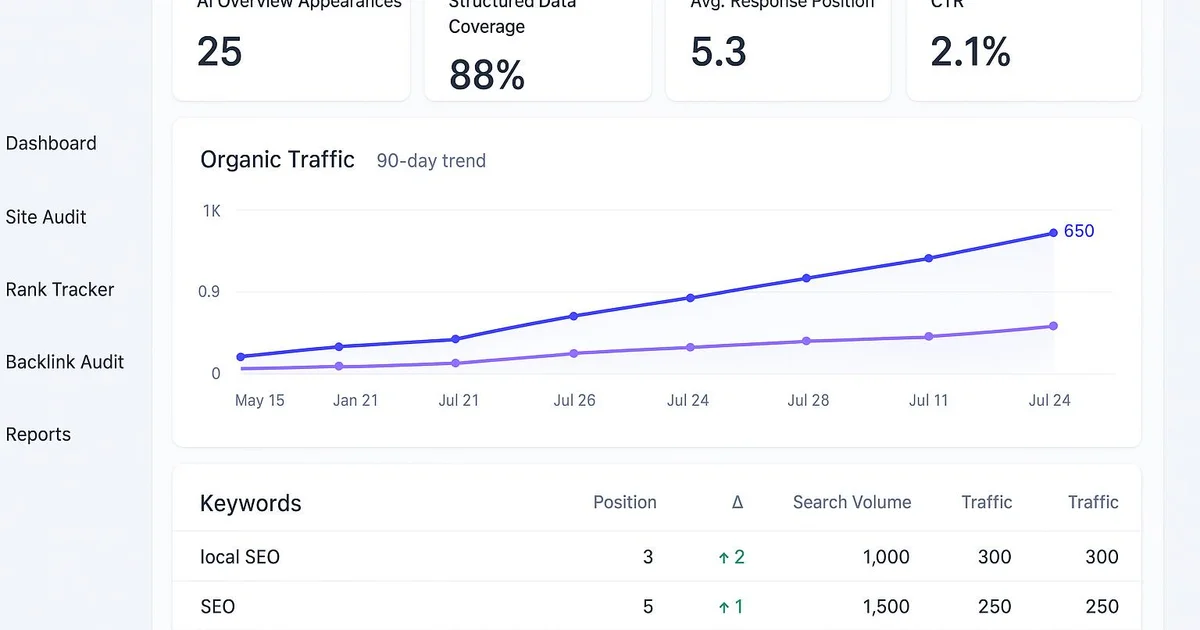
With Selfhook, each WordPress publication is automatically configured for ChatGPT. During content generation, Selfhook structures the article with question H2s followed by direct answers, inserts a Schema-marked FAQ block, and integrates E-E-A-T signals (author, dates, sources). Its SEO audit verifies that GPTBot is properly allowed in robots.txt and that no rule blocks it. Automated WordPress publishing applies these settings without manual intervention. For a publisher managing multiple sites, Selfhook thus reduces the risk of unintentional invisibility to AI engines, while keeping every setting transparent and adjustable.
Key takeaways
Explicitly allow GPTBot in the WordPress robots.txt and check security rules
Structure each article with question H2s and 40-80 word direct answers
Add a FAQPage-marked FAQ via the Yoast or RankMath block
Reinforce E-E-A-T with author pages, Organization Schema, and cited sources
Measure content reuse by querying ChatGPT on your key topics
Selfhook centralizes content generation, SEO/GEO optimization, WordPress publishing and tracking in a single workflow.
See all features →FAQ
Does ChatGPT really crawl my WordPress site?
ChatGPT accesses the web via GPTBot for training and via browsing crawlers for real-time answers. If your WordPress robots.txt allows these user-agents, your content can be consulted. No citation is recommended, but access is the prerequisite.
Which WordPress plugin should I use to optimize for ChatGPT?
Yoast SEO and RankMath let you manage robots.txt, heading structure, and Schema markup, including FAQ blocks. For advanced Schema control, Schema Pro complements these plugins well. Selfhook automates these settings on every publish.
Does FAQ markup really improve visibility in ChatGPT?
FAQPage Schema helps AI engines identify citable question-answer pairs. In some cases, this can contribute to an excerpt being reused by ChatGPT or Perplexity. The effect varies by topic and competition on the subject.
Should I block GPTBot to protect my content?
It's a strategic choice. Blocking GPTBot protects your content from training but also reduces your chances of being cited as a source. For a GEO strategy, allowing GPTBot is generally recommended on WordPress.
How do I verify GPTBot accesses my site?
Check your server logs or a log analysis plugin to spot GPTBot user-agent requests. Also verify that no Wordfence, Cloudflare, or .htaccess rule returns a 403 code to this bot.
Operational checklist
Related cluster articles
Automate with Selfhook
Conclusion
Optimizing WordPress for ChatGPT isn't a magic trick but a combination of technical and editorial settings: allowing GPTBot, structuring answers, marking up FAQs, and reinforcing E-E-A-T. Each of these levers is accessible via Yoast, RankMath, or a Schema plugin, and none alone ensures citation. It's their combination, measured over time, that can improve your generative visibility. To go further, check our complete GEO WordPress guide and our article on how to get cited in ChatGPT. Selfhook automates this configuration on every publish, letting you focus on content quality.
Ready to automate your SEO content?
Book a 30-minute video demo: we show you Selfhook on your WordPress site, from SEO audit to publishing.
Request a demo