
llms.txt and AI Search: How It Works on WordPress
Quick answer
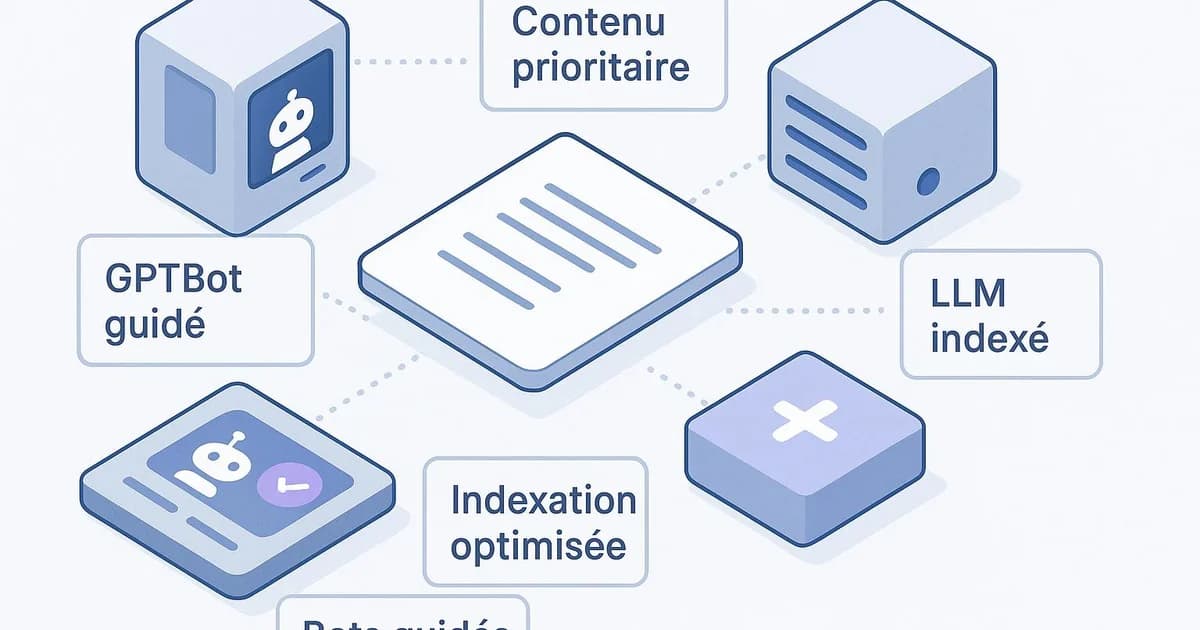
llms.txt is a text file placed at the root of your WordPress site that lists your priority content for language models like ChatGPT, Claude or Perplexity. It doesn't replace robots.txt: it guides AI crawlers (GPTBot, ClaudeBot, PerplexityBot) toward your key pages in a readable format, which can contribute to better indexing by AI engines.
You publish regularly on WordPress, but your content rarely shows up in ChatGPT or Perplexity answers? The issue often comes from a lack of signaling: AI crawlers discover your site without knowing which pages truly matter. The llms.txt file addresses this need. Placed at the root of your WordPress, it lists your priority content in a format language models can read. It's not a magic wand, but an emerging standard that can help point GPTBot, ClaudeBot and PerplexityBot toward your strategic pages. In this guide, you'll see concretely how it works, how to create it on WordPress, and how to combine it with your existing robots.txt. Selfhook documents this mechanism precisely to help WordPress publishers improve their visibility in AI engines without generic advice.
Definition
llms.txt is a Markdown file located at a site's root (example.com/llms.txt) that structurally exposes the content deemed most important for large language models. It acts as a navigation map for AI crawlers.
How does llms.txt work for AI search?
llms.txt relies on a simple principle: giving language models a condensed, hierarchized version of your site rather than letting them guess your structure from the HTML. The file is written in Markdown, a format LLMs parse easily, and sits at your WordPress domain root: example.com/llms.txt. Concretely, when GPTBot (OpenAI's crawler), ClaudeBot (Anthropic) or PerplexityBot explore your site, they can consult this file to identify your priority content. Where robots.txt states what is allowed or forbidden to crawl, llms.txt states what deserves attention first. The two files are complementary, not competing. The typical structure starts with an H1 title (your site's name), followed by a short description paragraph, then H2 sections grouping links to your key pages with a brief description. For example, a "Guides" section listing your most complete WordPress tutorials. Stay realistic: llms.txt is a proposed standard, not yet universally respected. Depending on the topic and the AI engine, its impact varies. In some cases it can help your content be better understood and cited; in others the effect remains to be measured. No result is recommended. The real value lies in clarity: you lose nothing by structuring your priority content, and it fits into a broader GEO approach we detail in our complete WordPress GEO guide.
- Markdown format directly readable by LLMs
- Placed at the root: example.com/llms.txt
- Complementary to robots.txt, not a replacement
- Guides GPTBot, ClaudeBot and PerplexityBot toward your key pages
Creating an llms.txt file on WordPress: the concrete method
On WordPress, several approaches exist to publish an llms.txt file accessible at the domain root. The tricky part: WordPress doesn't serve static files at the root by default if your hosting routes everything through index.php. Here's how to do it cleanly. First option, the simplest: upload the file via FTP or your host's file manager directly to the root (the same folder as wp-config.php and robots.txt if it's static). The file then becomes accessible at example.com/llms.txt. Second option: use a dedicated plugin. Several recent extensions automatically generate an llms.txt from your content. Some Schema plugins and recent versions of RankMath are starting to integrate this feature. Check compatibility with your WordPress version before installing. Third option, for technical profiles: add a rewrite rule or an endpoint via functions.php to serve the file dynamically, allowing it to stay updated automatically when you publish a new priority article. Whatever the method, always test accessibility by opening example.com/llms.txt in a browser: you should see the raw Markdown. Then check in Search Console that no robots.txt rule blocks crawler access to the root. For the relationship between robots.txt and AI crawlability, see our dedicated article on LLM crawlability and robots.txt. A well-placed but crawl-blocked file is useless: both settings must be consistent.
- Upload the file to the root via FTP or file manager
- Or use a plugin that generates llms.txt automatically
- Verify real access via example.com/llms.txt in a browser
- Check that no robots.txt rule blocks the root
What to put in an effective WordPress llms.txt?
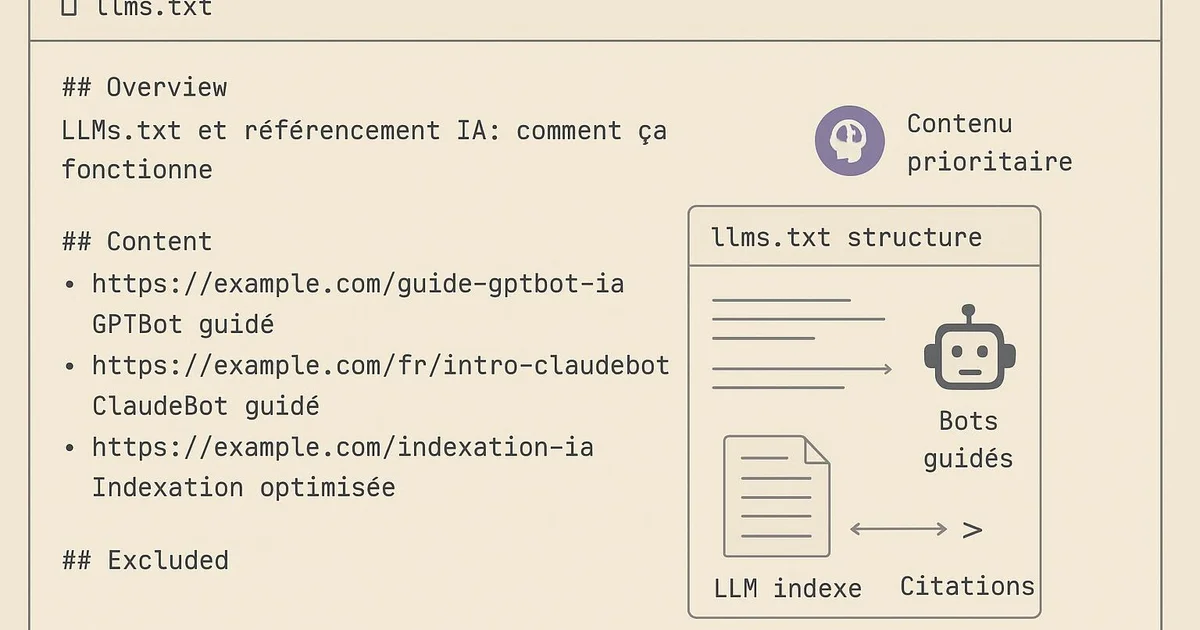
Your llms.txt content should reflect your editorial priorities, not your entire site. A file overloaded with 300 links dilutes the value: it's better to select the pages that truly carry your expertise and conversions. Start with the H1 title bearing your site's name, followed by a one- or two-sentence descriptive paragraph summarizing your topic. LLMs use this context to understand what your site is about. Be precise: "Blog specialized in SEO automation for WordPress" is more usable than "Our website". Then organize your links into thematic H2 sections. For an SEO-focused WordPress site, you might have: "Practical guides", "Case studies", "Product documentation". Each link should come with a short description that helps the model assess the page's relevance. Favor your pillar content, the pages that structure your topical authority. If you run a cluster on llms.txt, include the main WordPress llms.txt guide and its satellite articles. This internal linking consistency helps AI engines perceive your site as a reference source on the topic. Avoid including low-value pages: legal notices, empty tag pages, outdated content. In GEO, perceived quality trumps volume. Depending on the topic, an llms.txt of 15 to 40 carefully chosen links is generally more effective than an exhaustive inventory. If your site is bilingual, also consider separating sections by language so AI crawlers direct their citations correctly.
- H1 title with the site name + a 1-2 sentence description
- Thematic H2 sections grouping the links
- A short description per link to guide the LLM
- Pillar content and clusters rather than a full inventory
- Exclude low-value pages (legal notices, empty tags)
Does llms.txt really improve visibility in ChatGPT and Perplexity?
That's the honest question to ask. The answer: llms.txt can contribute to better consideration of your content by AI engines, but no result is recommended and adoption of the standard remains uneven across players. Google, with its AI Overviews, relies mainly on its classic search index and hasn't officialized any dependence on llms.txt. On the other hand, crawlers like GPTBot, ClaudeBot and PerplexityBot actively explore the open web, and a well-structured llms.txt file can make it easier for them to discover your priority pages. The observed effect varies greatly depending on the topic, your domain authority and content freshness. So you should view llms.txt as one signal among others, complementary to a complete GEO strategy: structured content, Schema data via Yoast or RankMath, clear and citable answers, consistent internal linking. An llms.txt alone, on a poorly structured site, will have limited impact. To measure any potential effect, monitor several indicators: server logs to spot GPTBot or PerplexityBot visits, the evolution of referral traffic from AI engines, and your manual citations by querying ChatGPT or Perplexity on your areas of expertise. Search Console remains useful to verify nothing blocks the crawl on the classic SEO side. Adopt a testing posture: set up the file, document the date, then observe variations over several weeks. It's a hypothesis to validate through measurement, not a certainty.
- Variable effect depending on the AI engine and topic
- A complement to a global GEO strategy, not a standalone solution
- Monitor server logs to spot GPTBot and PerplexityBot
- Document the setup date then measure over several weeks
With Selfhook, AI content generation and automated WordPress publishing naturally feed your llms.txt strategy. When Selfhook publishes a new Yoast-optimized pillar article on your WordPress, it can be integrated into the priority content signaled to AI crawlers. Selfhook's SEO audit also identifies your cluster pillar pages, the ones that deserve a spot in the llms.txt rather than secondary pages. The result: instead of manually maintaining a list of links, you rely on an already consistent editorial structure, which can help guide GPTBot, ClaudeBot and PerplexityBot toward your best content.
Selfhook centralizes content generation, SEO/GEO optimization, WordPress publishing and tracking in a single workflow.
See all features →Operational checklist
Action plan
- 1
Audit your priority content
List your pillar pages and cluster articles that carry your expertise. These are the ones that will appear in the llms.txt, not the entire site.
- 2
Write the file in Markdown
Add an H1 with the site name, a 1-2 sentence description, then H2 sections grouping your links with short descriptions.
- 3
Publish the file at the WordPress root
Upload it via FTP or a dedicated plugin, then verify it is accessible at example.com/llms.txt in a browser.
- 4
Align robots.txt and crawlability
Make sure no robots.txt rule blocks AI crawler access to your pages or the site root.
- 5
Measure and iterate
Document the date, monitor server logs and your citations in ChatGPT or Perplexity, then adjust the list over several weeks.
Common mistakes
Confusing llms.txt and robots.txt
robots.txt controls crawl permissions while llms.txt guides toward priority content: they are complementary, not interchangeable.
Overloading the file with links
Stacking hundreds of links dilutes the signal; a targeted selection of pillar content is generally more readable for LLMs.
Publishing an inaccessible file
An llms.txt that doesn't load at the root, often due to WordPress routing, is never read by AI crawlers.
Expecting a recommended result
Adoption of the standard remains uneven: llms.txt can contribute to AI visibility without ever ensuring systematic citation.
Ignoring the rest of your GEO strategy
An llms.txt alone, without structured content or Schema data, has limited impact on how AI engines cite your site.
FAQ
Does llms.txt replace robots.txt on WordPress?
No. robots.txt handles crawl permissions, while llms.txt directs language models toward your priority content. Both files coexist at your WordPress root and should stay consistent with each other.
Where should I place the llms.txt file on a WordPress site?
At the domain root, accessible via example.com/llms.txt, in the same folder as wp-config.php. You can upload it via FTP, through your host's file manager, or with a dedicated plugin. Always test access in a browser.
Does llms.txt improve ranking in Google AI Overviews?
Google hasn't officialized any dependence on llms.txt for its AI Overviews, which mainly rely on the classic search index. The file concerns crawlers like GPTBot, ClaudeBot and PerplexityBot more. Its effect remains to be measured depending on the topic.
How many links should I include in an llms.txt?
There's no strict rule, but a selection of 15 to 40 targeted links is generally more effective than an exhaustive inventory. Favor your pillar content and clusters over low-value pages.
How do I know if AI crawlers read my llms.txt?
Monitor your server logs to spot visits from GPTBot, ClaudeBot or PerplexityBot, and test your citations by querying ChatGPT or Perplexity on your topics. Search Console helps verify no blocking hinders the crawl.
Related cluster articles
Reference guides
Automate with Selfhook
Conclusion
llms.txt isn't a magic formula, but a useful signal within a well-built WordPress GEO strategy. By listing your priority content in Markdown at your site's root, you can help guide GPTBot, ClaudeBot and PerplexityBot toward your best pages. The key: combine this file with structured content, Schema data via Yoast or RankMath, and consistent internal linking, then measure over several weeks. Selfhook eases this process by generating optimized pillar content and identifying, through its SEO audit, the pages that deserve a spot in your llms.txt. Test, document, iterate.
Ready to automate your SEO content?
Book a 30-minute video demo: we show you Selfhook on your WordPress site, from SEO audit to publishing.
Request a demo