
llms.txt WordPress: the complete 2026 guide
Quick answer
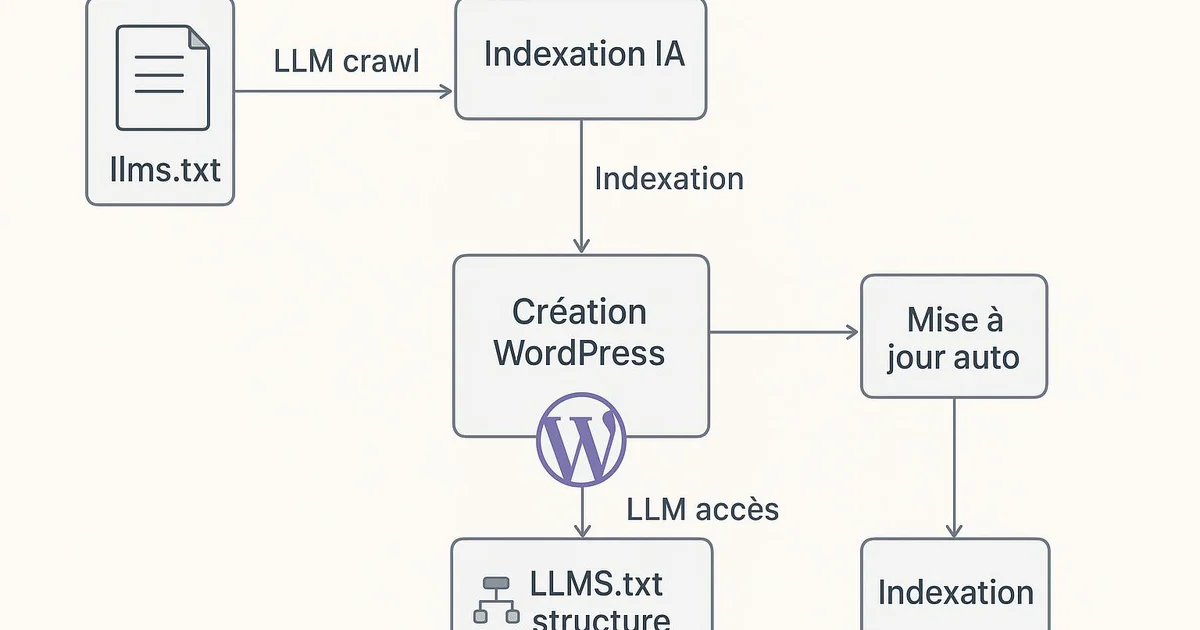
llms.txt on WordPress is a text file placed at the site root that lists the priority content intended for language models like ChatGPT or Perplexity. It can be created manually, via a plugin, or through automated generation, and aims to make your site easier for AI engines to read in a structured way.
Since the rise of generative answers in Google AI Overviews, ChatGPT and Perplexity, one question keeps coming up among WordPress publishers: how can I help these engines understand and correctly cite my site? The llms.txt file attempts an answer by offering a simplified map of your content, designed specifically for language models. On WordPress, the challenge isn't understanding the format — which is fairly simple — but keeping it up to date as content evolves. An outdated file can mislead an LLM rather than help it. This guide details the expected structure, the implementation methods (manual, plugin, REST API), best practices for organization, and the current limits of the specification. We'll also see how Selfhook automatically maintains this file with every publication, keeping a consistent map without manual effort. The goal: a technical, measured, and directly applicable approach for your WordPress installation.
Definition
llms.txt is a standardized Markdown file, placed at the root of a WordPress site, that provides large language models with a readable map of the domain's essential content.
What is the llms.txt file and what is it for on WordPress?
The llms.txt file, initially proposed by Jeremy Howard in 2024, is a community convention — not an official standard from Google or OpenAI. It draws inspiration from robots.txt and sitemap.xml, but with a distinct purpose: offering language models a textual entry point, written in Markdown, that prioritizes a site's most useful content. Where robots.txt regulates crawling and sitemap.xml lists all URLs exhaustively, llms.txt selects and contextualizes. On WordPress, this translates to a file accessible at `yoursite.com/llms.txt`, containing an H1 site title, a short description, then thematic sections listing links to your pillar pages, reference articles and documentation. Each link can be accompanied by a brief annotation explaining the page's content. The underlying idea is that an LLM facing a limited context window benefits more from a curated selection than from a raw crawl of hundreds of articles. It's worth staying clear-eyed about its status: no AI engine officially ensures reading or prioritizing this file today. Its adoption remains experimental and may contribute, in certain cases, to a better editorial understanding of your site. For a WordPress installation, the main interest lies in clarity: formalizing your thematic structure forces you to identify priority content, which directly overlaps with topical authority work. We cover the general concept in the llms-txt-quest-ce-que-cest article, while this guide focuses on concrete implementation within the WordPress ecosystem.
How to structure an llms.txt file for a WordPress site?
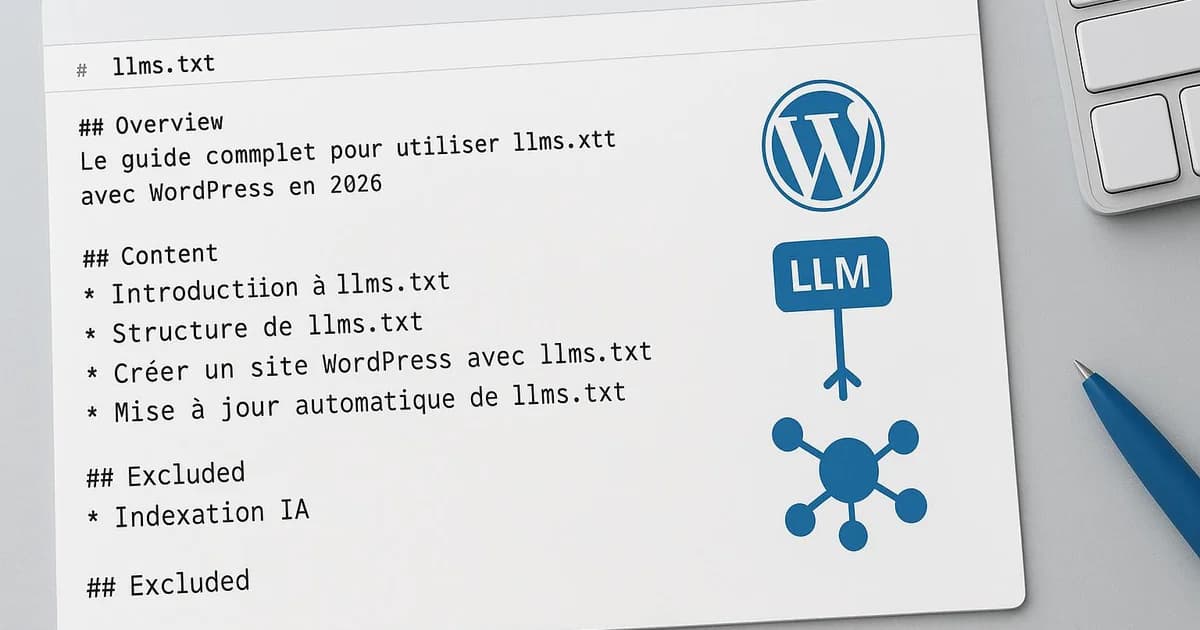
The specification recommends a precise Markdown structure, and following it increases the chances a model will parse the file correctly. You start with a top-level title using the site name, followed by a `>` blockquote describing the general theme in one sentence. Then come H2 sections grouping links by editorial category. On WordPress, it makes sense to model these sections on your existing rubrics or thematic clusters, so the map genuinely reflects the site's silo architecture. Each entry takes the form of a Markdown link followed by an annotation: `[Article title](URL): short content description`. This annotation matters as much as the link itself, because it gives the LLM the page's semantic context without having to load it. An optional section named `Optional` can group secondary content, which the model can ignore if its context window is saturated. Concretely, for an SEO-focused WordPress blog, you would structure it as follows:
- An H1 with the site name and a global description blockquote
- A 'Guides' section listing pillar pages and their annotations
- One section per thematic cluster mirroring your WordPress categories
- An 'Optional' section for legal, about or archive pages
- Absolute, canonical URLs consistent with your Yoast or RankMath sitemap
How to create and publish llms.txt on WordPress?
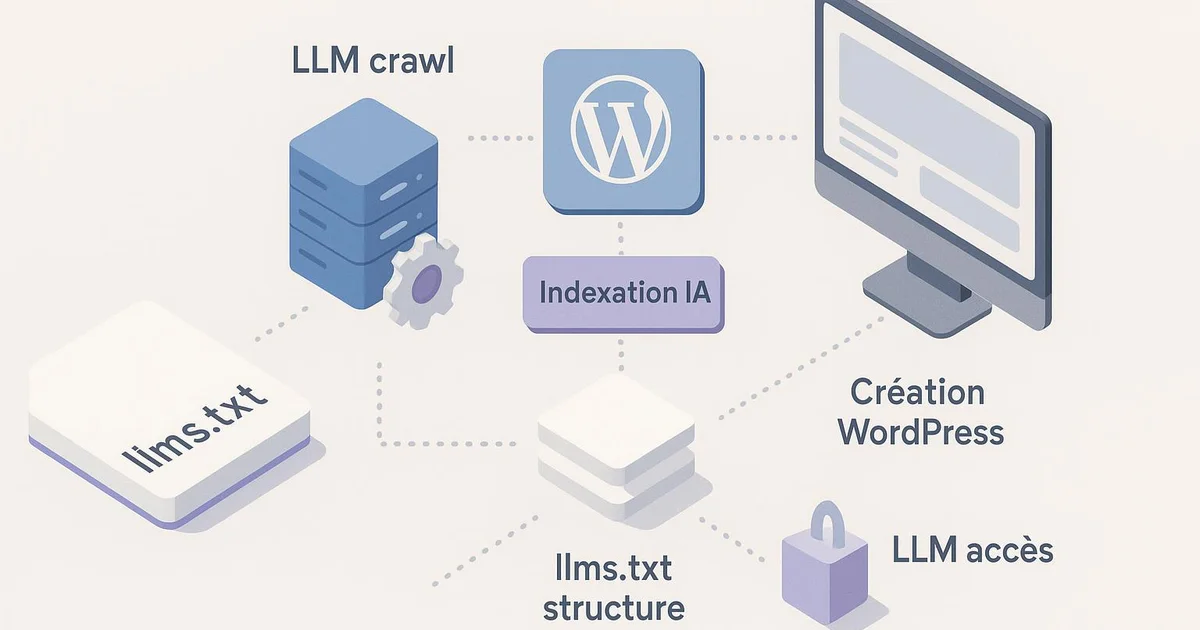
Three approaches coexist, from most manual to most automated. The most direct method is to write the file locally then drop it at the server root via FTP or your host's file manager — the file must be served as `text/plain` or `text/markdown` and accessible without authentication. This works but requires manual maintenance with every new article, which makes it fragile on an active site. The second approach relies on a plugin. Several GEO-focused extensions emerged during 2025, and some integrate with Yoast or RankMath to reuse already-filled metadata — SEO title, meta description — as annotations in the llms.txt. RankMath, for instance, exposes an internal API that lets you cleanly retrieve each content's structured data. The third approach, the most robust on WordPress, uses the REST API: a snippet in `functions.php` or a custom plugin registers a virtual route that generates the file on the fly from your publications, filtering by category, status and `noindex` tag. This dynamic generation ensures the file always reflects the site's real state, without manual regeneration. However, you must watch caching: an llms.txt generated on every request can weigh on performance, hence the value of a cache invalidated only when content is published or updated. We detail the snippet method step by step in the creer-llms-txt-wordpress article, with the route registration code and the logic for sorting by editorial relevance.
What impact can llms.txt have on GEO visibility?
This question deserves methodological caution. To date, neither Google, nor OpenAI, nor Perplexity has publicly confirmed treating llms.txt as an official signal. Its direct influence on citation in generative answers therefore remains unproven and should be considered a hypothesis to measure, not a recommended lever. That said, several indirect benefits are generally observed. First, formalizing an llms.txt forces you to clarify the site's editorial hierarchy, which overlaps with the topical authority work essential to GEO — a topic we explore in geo-wordpress-guide-complet. Second, the annotations written for each link form a dense, usable summary, potentially helpful to crawlers that encounter them. Finally, having a clean map facilitates internal auditing: you quickly spot orphaned or poorly linked content. To measure any potential effect, the only serious approach is to monitor your server logs: look for user-agents like GPTBot, ClaudeBot, PerplexityBot or Google-Extended, and check whether they access the file. Then cross-reference this data with the evolution of citations in AI engines, depending on the topic. On WordPress, a logging plugin or access to your host's logs is enough. Keep in mind that the absence of a standard means the file's value may evolve — or even disappear — if major players adopt a different convention. It's a reasonable low-cost bet, not a ensure of results.
On a WordPress site managed with Selfhook, the llms.txt file is never outdated. With every piece of content published via automated WordPress publishing, Selfhook regenerates the site map: it adds the new URL to the matching thematic section, reuses the SEO title and meta description optimized by its AI generation feature as an annotation, and automatically excludes noindex pages. The built-in SEO audit checks in parallel that each entry points to a canonical URL consistent with the sitemap. The result: models like ChatGPT or Perplexity always access a complete, up-to-date map, without you ever having to touch the file manually.
Selfhook centralizes content generation, SEO/GEO optimization, WordPress publishing and tracking in a single workflow.
See all features →An often-overlooked point: llms.txt does not replace robots.txt. Allowing an LLM to read your map doesn't authorize it to crawl your pages if robots.txt blocks its user-agent. On WordPress, verify consistency between the two files: a rich llms.txt but `Disallow` directives on GPTBot or Google-Extended in robots.txt negate the whole effort. The specification assumes open read access to the listed content.
Sources
- llms.txt proposal (llmstxt.org) — Original format specification and recommended Markdown structure.
- Yoast SEO documentation — Managing metadata and sitemaps reusable as annotations.
- Google Search Central — Google-Extended — Controlling Gemini models' access to a site's content.
FAQ
Is llms.txt mandatory on WordPress?
No. It's an experimental community convention, not a standard imposed by Google or OpenAI. Its absence doesn't affect your classic SEO. It's an optional, low-cost addition for potential GEO benefits.
Where should I place the llms.txt file?
At the domain root, accessible via yoursite.com/llms.txt, served as text/plain or text/markdown. On WordPress, you can drop it via FTP or generate it dynamically via the REST API.
What's the difference between llms.txt and sitemap.xml?
sitemap.xml exhaustively lists all URLs for crawlers. llms.txt selects and annotates only priority content, in readable Markdown, intended for language models.
Can I automate its updates?
Yes. A REST API snippet or a tool like Selfhook can regenerate the file with every publication, ensuring it stays synchronized with your WordPress content.
A WordPress publisher specializing in gardening implemented an llms.txt via a REST API snippet in February 2026, structured into five clusters matching their categories. In their server logs, they observed over three months roughly 40 monthly accesses from GPTBot and PerplexityBot to the file — estimated data to interpret with caution. Over the same period, they noted a moderate increase in citations of their guides in Perplexity answers, without being able to isolate llms.txt as the sole cause. The main lesson lies elsewhere: the curation exercise led them to reorganize their internal silos and merge eight redundant articles, improving editorial consistency as measured in Search Console.
The real benefit of llms.txt on WordPress isn't magic: it's the curation discipline it enforces. Formalizing a map readable by LLMs forces you to clarify your own editorial architecture.
Timeline
September 2024
Jeremy Howard proposes the llms.txt convention, inspired by robots.txt and sitemap.xml.
Early 2025
First GEO-dedicated WordPress extensions integrate file generation.
Mid-2025
Integrations with Yoast and RankMath reuse existing metadata as annotations.
2026
Dynamic generation via REST API becomes widespread, with automatic updates on every publication.
Related cluster articles
Reference guides
Automate with Selfhook
Conclusion
llms.txt on WordPress is an emerging convention, low-cost and with unguaranteed benefits, best approached as a hypothesis to measure rather than a certain lever. Its immediate value lies in the curation discipline it enforces and its consistency with topical authority work. The real difficulty is maintenance: an outdated file loses all interest. This is precisely what Selfhook automates, regenerating your map with every WordPress publication. Start by formalizing your clusters, monitor your server logs, and let automation ensure that models always access an up-to-date map.
Ready to automate your SEO content?
Book a 30-minute video demo: we show you Selfhook on your WordPress site, from SEO audit to publishing.
Request a demo