
Optimize WordPress for Google Gemini: Complete 2026 Guide
Quick answer
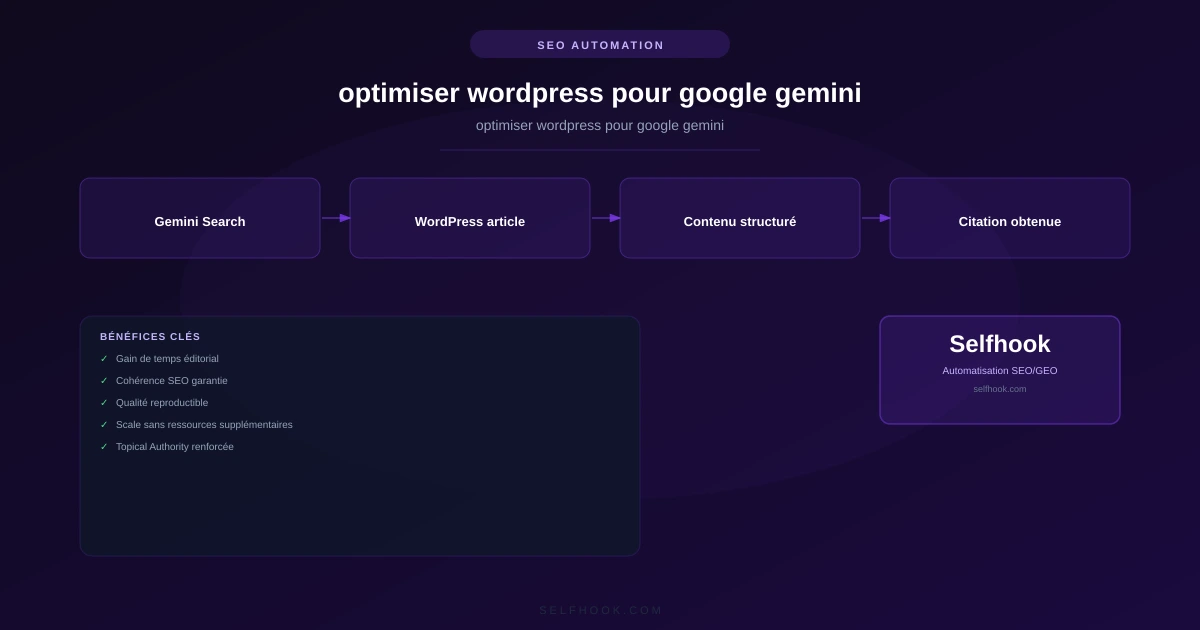
Optimizing WordPress for Google Gemini means structuring your articles with clear definitions, factual lists and verifiable data, then strengthening markup via Yoast or RankMath and Schema. This format may contribute to increasing your chances of being cited in AI Overviews, depending on the topic and the site's authority.
Google Gemini is changing how users access information: instead of clicking ten links, they read an AI-generated summary in AI Overviews. For WordPress publishers, this raises a concrete question: how do you get Gemini to cite your content rather than a competitor's? The answer lies in WordPress-specific optimization — content structure, Schema markup, plugins like Yoast or RankMath, and formats that favor AI extraction. In some cases, well-structured content observed on WordPress can be reused almost as-is in an AI Overview. This guide details the concrete steps to prepare your WordPress pages to be understood and cited by Gemini, with interface examples and specific plugins. Selfhook automates part of this work by generating WordPress articles directly in Gemini's preferred format.
How does Gemini select which WordPress content to cite?
Google Gemini favors pages whose information is easy to extract and verify. On WordPress, this means a clear structure: logical H2/H3 headings, short paragraphs, lists and tables. Gemini also values authority signals (E-E-A-T) that you can strengthen via WordPress author profiles and Schema markup. Generic content without precise data is generally less reused. As measured in Search Console, pages with strong internal linking and direct answers tend to perform better in AI visibility.
- Structure each article with question-formatted H2s, managed via the WordPress Gutenberg editor
- Add bullet lists and tables (native WordPress blocks) to ease extraction
- Fill in WordPress author bios to strengthen the E-E-A-T signals Gemini expects
Which Yoast and RankMath settings work for Google Gemini?
The Yoast SEO and RankMath plugins play a key role in making your WordPress readable by Gemini. They automatically generate the Schema markup (Article, FAQPage, HowTo) that Gemini uses to understand context. In Yoast, enable the FAQ and How-To blocks directly in Gutenberg; they produce valid Schema without code. RankMath offers advanced Schema modules and a rich snippet editor. The goal: provide Gemini with explicit metadata about each piece of content, which may contribute to improving AI Overview eligibility depending on the topic.
- Enable the Yoast FAQ block in Gutenberg to generate automatic FAQPage Schema
- Configure Article Schema and the appropriate content type in RankMath
- Verify markup validity with Google's Rich Results Test tool
Structuring WordPress articles in Gemini's preferred format
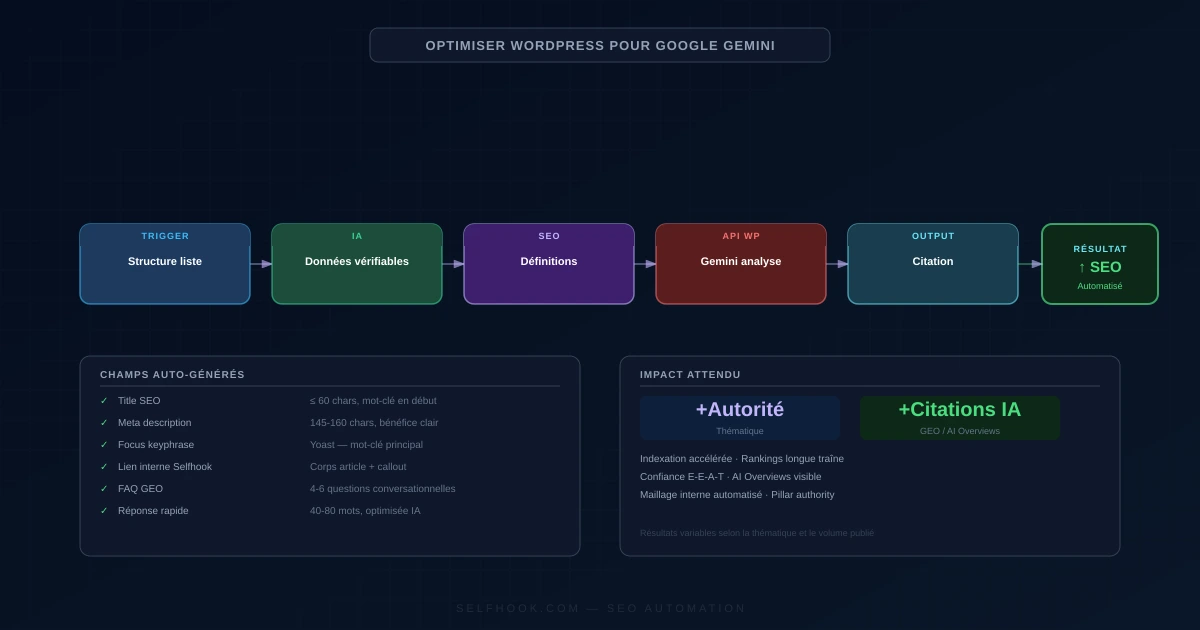
Gemini extracts content organized into self-contained blocks more easily: a definition at the start of the article, factual lists, comparison tables and an FAQ. On WordPress, the Gutenberg editor lets you build these formats without an extra plugin. Place a direct answer (quick answer) right in the introduction, then expand. Numerical data should be presented as verifiable estimates. This format, generally observed as favorable to AI citations, aligns with the internal linking of the WordPress GEO cluster. Link your articles together to strengthen topical authority.
- Insert a citable definition at the start of the article via a distinct paragraph block
- Use the Gutenberg Table block for factual comparisons
- Link your articles to the GEO cluster (see geo-wordpress-guide-complet and wordpress-ai-overviews-guide)
Measuring Gemini visibility from WordPress and Search Console
Tracking Gemini's impact requires cross-referencing several sources. Google Search Console remains the foundation: monitor the evolution of impressions and CTR on informational queries, where AI Overviews are most present. Tools like Semrush now offer AI visibility tracking. On WordPress, some analytics plugins integrate this data. The goal is not a citation ensure, but observing trends to measure in Search Console over several weeks. A drop in CTR with stable impressions may indicate an AI Overview capturing the click.
- Filter informational queries in Search Console to spot AI Overview impacts
- Compare CTR before/after publishing Gemini-optimized content
- Complement with an AI visibility tracking tool like Semrush
Consider a WordPress publisher releasing a guide on "apartment composting." Before optimization: a long article with no clear structure, generating 1,200 impressions/month in Search Console at a 2.1% CTR. After a WordPress overhaul — adding a definition in the intro, a "5 steps" list, a comparison table of bins, and a Yoast FAQ block — the publisher observes over 6 weeks an increase in impressions toward ~1,800 and the URL appearing in a Gemini AI Overview for the query "odorless apartment composter." CTR drops slightly but brand traffic rises. These figures are estimates to measure depending on each topic.
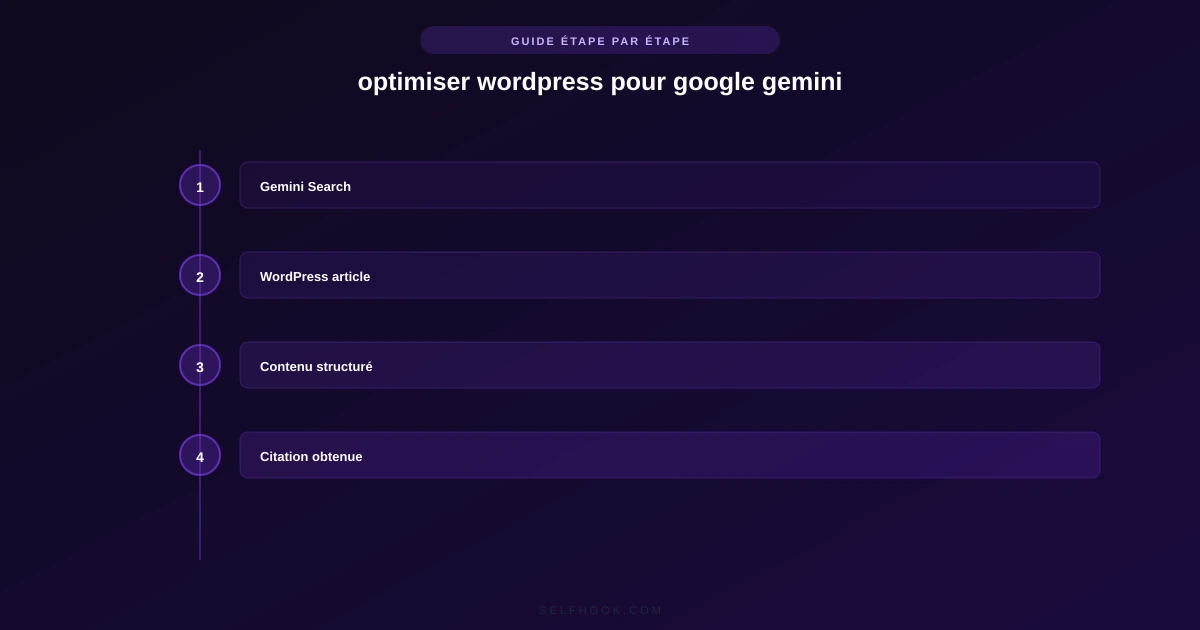
Selfhook automates the production of WordPress content structured for Gemini. Concretely, its AI generation creates articles that include by default a citable definition, factual lists, a comparison table and an FAQ — the format Gemini favors for its AI Overviews. Selfhook's SEO audit then checks the heading structure, Schema markup and Yoast optimization before publishing. Finally, automated WordPress publishing sends the article directly into your back-office, already optimized. A publisher can thus produce a complete GEO cluster while keeping a homogeneous, citable format that meets Gemini's expectations, without repetitive manual writing.
Key takeaways
Gemini favors structured, factual WordPress content that is easy to extract
Enable the FAQ and HowTo blocks in Yoast or RankMath to generate valid Schema
Place a citable definition and a direct answer right in the article's introduction
Measure impact via Search Console (impressions, CTR) over several weeks
Strengthen your WordPress GEO cluster with consistent internal linking
Selfhook centralizes content generation, SEO/GEO optimization, WordPress publishing and tracking in a single workflow.
See all features →FAQ
Does Gemini automatically cite well-structured WordPress sites?
No, there is no citation ensure. A clear structure with definitions, lists and Schema markup may contribute to improving AI Overview eligibility, but selection depends on the topic, authority and competition. Results are to be measured in Search Console.
Which WordPress plugin should I choose to optimize for Gemini?
Yoast SEO and RankMath are the two references. Both generate the Schema (Article, FAQPage, HowTo) that Gemini uses. Yoast is simpler via its Gutenberg blocks; RankMath offers more advanced Schema modules. The choice depends on your technical level.
Should I create different content for Gemini and for classic Google?
Not necessarily. WordPress content well-structured for AI Overviews remains effective in traditional SEO. Gemini optimization simply reinforces clarity, citable formats and markup, which generally benefits both uses.
How do I know if my WordPress article appears in an AI Overview?
Manually check target queries on Google, then cross-reference with Search Console: a drop in CTR with stable impressions may indicate an AI Overview. Tools like Semrush offer more precise AI visibility tracking.
Do lists and tables really improve citation by Gemini?
Structured formats like bullet lists and comparison tables are generally easier for Gemini to extract. On WordPress, native Gutenberg blocks let you create them without code, which may contribute to better reuse.
Operational checklist
Automate with Selfhook
Conclusion
Optimizing WordPress for Google Gemini isn't about a miracle trick, but about editorial discipline: clear definitions, factual formats, rigorous Schema markup and consistent internal linking. These practices, generally observed as favorable to AI citations, also strengthen your classic SEO. To be measured in Search Console over time, with no promise of immediate results. To industrialize this approach, Selfhook generates WordPress articles already structured in Gemini's preferred format, audits their SEO compliance and publishes them automatically. A pragmatic way to build a citable GEO cluster, page after page, without repetitive manual writing.
Ready to automate your SEO content?
Discover how Selfhook can help you create and publish quality SEO content
Start for free