
JSON-LD and ChatGPT Visibility on WordPress: A Guide
Quick answer
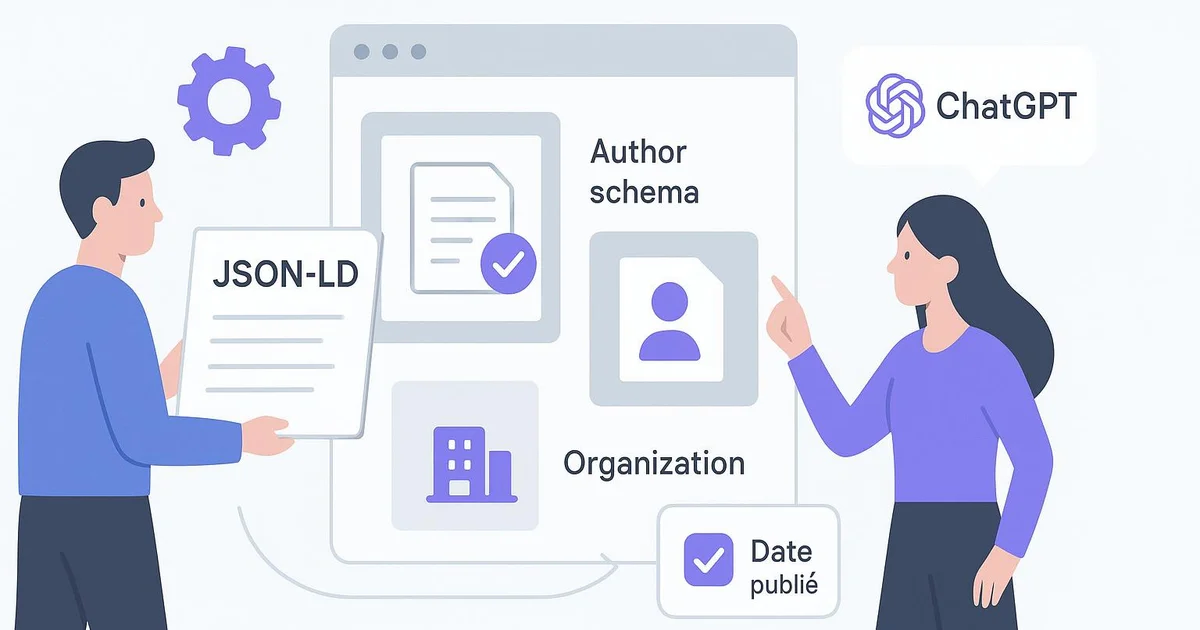
JSON-LD on WordPress structures your content so ChatGPT and AI engines can identify an article's author, date and publisher. Properly implemented via Yoast or RankMath, this markup can, in some cases, contribute to improved machine readability and citation odds—though it never ensures them.
Since ChatGPT began pulling web sources through its search engine, structured markup is back at the forefront for WordPress publishers. Many still bet on content alone, overlooking how a machine interprets an article's origin and reliability. Yet an AI model doesn't "read" a page like a human: it relies on explicit signals, and JSON-LD is one of the most direct. On WordPress, this structured data ships without manual coding thanks to extensions like Yoast or RankMath, or automatically through a layer like Selfhook. The point isn't to "trick" ChatGPT, but to make each article self-describing: who wrote it, when, and for which organization. This article analyzes how JSON-LD interacts with ChatGPT visibility on WordPress, which schemas to prioritize, and how to measure—chiefly in Search Console—what constitutes real effect rather than mere promise.
Definition
JSON-LD (JavaScript Object Notation for Linked Data) is a structured data format, injected into a WordPress page's code, that explicitly describes content (author, date, publisher) for search engines and AI models such as ChatGPT.
Why does JSON-LD matter for ChatGPT visibility?
When ChatGPT browses the web through its integrated search engine, it has no privileged access to your editorial intentions. It reconstructs a page's meaning from the visible text and the structured signals it finds there. JSON-LD provides exactly those signals: it unambiguously declares that a given block of text is an `Article`, written by a person identified via `author`, published on a specific date via `datePublished`, under the responsibility of a `publisher`. On WordPress, this declaration typically sits in the page's `<head>`, generated automatically by Yoast or RankMath. The value for ChatGPT visibility rests on a generally observed principle: AI models favor content whose provenance and freshness they can establish. An article whose author, publishing organization and date are explicitly structured presents a more "citable" profile than a text orphaned from any machine context. This doesn't ensure a citation, but it reduces the ambiguity that, in some cases, prevents a model from retaining a source. Concretely on WordPress, this means curating the author profile (with the `Person` schema), filling in organization details in Yoast's settings, and verifying that `publisher` points to a coherent entity. These elements overlap with those detailed in our schema-ai-wordpress-guide.
Which JSON-LD schemas should you prioritize on WordPress?
Not all schemas carry the same weight in an AI citation context. For a WordPress blog post, the useful foundation revolves around the `Article` type (or `BlogPosting`), which remains the most interpretable by engines. Within it, a few properties make the difference in terms of machine readability. The markup must stay faithful to the actual content: a `datePublished` inconsistent with the displayed date, or an `author` pointing to a non-existent author page, sends a contradictory signal that engines generally penalize. On WordPress, Yoast natively generates a JSON-LD graph structure linking `Article`, `WebPage`, `Person` and `Organization`—a coherent architecture best not duplicated with a second plugin.
- `author`: links the article to a `Person` profile, ideally with an enriched author page on WordPress
- `datePublished` and `dateModified`: signal freshness, a criterion often observed in AI citations
- `publisher`: ties the article to the `Organization`, with logo and contact data filled in via Yoast
- `headline` and `description`: reflect the title and summary, kept aligned with visible content
- `mainEntityOfPage`: anchors the schema to the WordPress page's canonical URL
How do you implement and verify JSON-LD on WordPress?
Implementation almost never requires writing code on WordPress. Yoast SEO produces a JSON-LD graph automatically upon activation, provided you've specified the site type (person or organization) in the configuration wizard and completed each contributor's author profile. RankMath offers equivalent logic, with a structured data module letting you choose the schema type per article. The key caution in both cases is to use only one generator to avoid markup duplication, a frequent source of validation errors. Once the markup is in place, verification is essential. Google's Rich Results Test lets you confirm that an `Article` is properly detected, with its `author`, `datePublished` and `publisher` properties correctly filled in. In parallel, your browser's code inspector, opened on an article's `<head>`, confirms the presence of the `application/ld+json` script. To measure real impact on visibility, you must cross-reference several signals: the rich results status report in Search Console, impression trends, and, more qualitatively, observing citations obtained in ChatGPT or Perplexity on your topics. These measures remain indicative: no direct, systematic correlation between markup and citation is proven, but structuring reduces interpretation friction. Our json-ld-ai-overviews-wordpress article digs deeper into the Google AI Overviews angle.
On WordPress, Selfhook automates JSON-LD insertion at publication time: every generated article ships with a complete `Article` schema—`author` linked to the contributor's profile, `datePublished`, `publisher` and organizational data entered just once. Rather than manually checking each tag in Yoast, Selfhook's built-in SEO audit flags missing or inconsistent properties before going live. Concretely, a publisher shipping twenty articles a month gets homogeneous markup across the entire cluster, without technical intervention. This structural consistency can, depending on the topic, contribute to improving the machine readability of your content for ChatGPT.
Selfhook centralizes content generation, SEO/GEO optimization, WordPress publishing and tracking in a single workflow.
See all features →A WordPress publisher specializing in personal finance saw no ChatGPT citations despite solid organic traffic. Markup audit: the `Article` schema existed via Yoast, but `publisher` pointed to an organization with no logo or About page, and 40% of articles had a generic "admin" `author`. Over three weeks, the team built detailed `Person` profiles, fixed the `publisher` with logo and contact details, and cleaned up dates. Observed result over two months: impressions tied to rich results rose roughly 18% in Search Console, and a few citations appeared in ChatGPT on niche queries. No ensure of reproducibility, but a signal consistent with the initial hypothesis.
Sources
- Schema.org documentation (Article type) — Official reference for author, datePublished and publisher properties used in JSON-LD.
- Google Search Central — Article structured data — Specifies recommended properties and the Rich Results Test tool.
- Yoast SEO documentation — Schema graph — Details the JSON-LD graph structure generated automatically on WordPress.
FAQ
Does JSON-LD ensure a citation in ChatGPT?
No. JSON-LD reduces ambiguity about an article's origin and freshness, which can contribute to its machine readability. No direct, systematic correlation between markup and citation has been proven to date.
Is Yoast enough for JSON-LD markup on WordPress?
In most cases, yes. Yoast generates a complete JSON-LD graph linking Article, Person and Organization. You must, however, correctly fill in the author profile and organization data in its settings.
Should I add RankMath on top of Yoast?
No, never enable two structured data generators in parallel. That creates markup duplication and validation errors. Choose one or the other based on your WordPress setup.
How do I verify my JSON-LD is correct?
Use Google's Rich Results Test and inspect the page's `<head>` to spot the application/ld+json script. Search Console's report then flags any errors.
An often-overlooked point: the consistency of the `Organization` entity across the JSON-LD, the About page and external profiles. AI engines tend to cross-reference these signals to establish a publisher identity. A `publisher` declared in the schema but absent from any other web context remains a ghost entity, weakly weighted. On WordPress, it's better to define the organization once in Yoast, then anchor it with a dedicated page and consistent mentions elsewhere, rather than multiplying isolated, uncorroborated JSON-LD declarations.
Timeline
Before 2023
JSON-LD mainly served Google rich results (stars, FAQs) with no link to conversational engines.
2023–2024
The arrival of generative answers (AI Overviews, ChatGPT web) revived markup's value as a provenance signal.
2024–2025
WordPress publishers systematically structure author and publisher to improve their articles' machine readability.
2025 and beyond
Tools like Selfhook automate coherent JSON-LD injection at cluster scale, reducing technical friction.

Related cluster articles
Reference guides
Automate with Selfhook
Conclusion
JSON-LD works no miracles, but it removes part of the ambiguity that, on WordPress, often hinders ChatGPT and other AI engines from interpreting an article. By curating `author`, `datePublished` and `publisher` via Yoast or RankMath, and verifying the result in Search Console, you make your content self-describing and more legible to machines. The effect remains to be measured, topic by topic. To industrialize this consistency across a cluster, Selfhook automatically injects structured markup at publication—a discreet but durable lever serving your editorial visibility.
Ready to automate your SEO content?
Discover how Selfhook can help you create and publish quality SEO content
Start for free