
JSON-LD for AI Overviews on WordPress: Complete Guide
Quick answer
JSON-LD for AI Overviews on WordPress means injecting structured schemas (Article, FAQPage, HowTo) into your pages' `<head>` to help Google understand and cite your content. On WordPress, this happens via Yoast, RankMath or a dedicated Schema plugin. Clean markup can contribute to improving AI citation eligibility, to be measured in Search Console.
Google's AI Overviews rely on clearly structured content to generate their synthesized answers. On WordPress, JSON-LD is the structured data format recommended by Google, and configuring it well can make the difference between content that's ignored and content that's cited. Yet many WordPress publishers leave their schemas default, incomplete or in conflict. This tutorial shows you how to implement JSON-LD optimized for AI Overviews directly in WordPress, via Yoast, RankMath or dedicated Schema plugins. You'll see which schema types to prioritize (Article, FAQPage, HowTo), how to avoid duplicates and how to verify rendering. Selfhook automates this step by injecting the optimal schemas at every publication, but understanding the mechanism remains essential to steer your GEO strategy. To be measured afterward in Search Console, depending on your topic.
Why JSON-LD matters for AI Overviews on WordPress
AI Overviews need to understand the nature and structure of your content to reuse it in a synthesized answer. JSON-LD acts as a machine-readable metadata layer: it explicitly states that a block is an article, a FAQ or a step-by-step tutorial. On WordPress, this markup is generated by your SEO plugin and injected into the `<head>`. Clean, complete schema can contribute to improving your pages' eligibility for AI citations, in some cases. Conversely, markup errors (missing fields, mistyped declarations) can reduce that eligibility. The challenge on WordPress is twofold: choosing the right types and avoiding conflicts between plugins.
- Article and BlogPosting: for editorial content
- FAQPage: for question-and-answer sections
- HowTo: for step-by-step tutorials
- Organization and WebSite: for global site context
Configuring JSON-LD with Yoast or RankMath
On WordPress, the simplest way to generate JSON-LD is to use Yoast SEO or RankMath. Yoast builds an interconnected schema graph (WebSite, WebPage, Article, Organization) automatically, accessible via the « Schema » tab of each piece of content where you choose the page type. RankMath offers a more granular schema generator, with native FAQ and HowTo blocks in the Gutenberg editor. For AI Overviews, the goal is to add FAQPage and HowTo where relevant, without stacking them artificially. Avoid running two plugins that both generate Article simultaneously: this creates duplicates Google may flag. Then verify in Google's Rich Results Test.
- Yoast: « Schema » tab → choose « Article » or « FAQ »
- RankMath: FAQ and HowTo blocks in Gutenberg
- Disable redundant markup from other plugins
- Validate with Google's Rich Results Test
Structuring FAQPage and HowTo to maximize citations
FAQPage and HowTo schemas are particularly suited to AI Overviews because they match the question-answer and procedural format that AI engines like to reuse. On WordPress, add a FAQ block via RankMath or a dedicated Schema plugin, phrasing natural questions your readers actually ask. For HowTo, structure your steps with clear titles and, ideally, an estimate of time and tools needed. The content should remain citable: concise answers of 2 to 4 sentences, without absolute promises. A well-marked-up FAQ can contribute to appearing in an AI Overview, generally observed on informational queries. Link these pages together to reinforce your WordPress topical authority.
- Questions phrased in natural language
- Answers of 2 to 4 sentences, self-contained
- Numbered HowTo steps with explicit titles
- Internal linking to GEO cluster articles
Verifying and debugging your JSON-LD on WordPress
Once your schemas are configured, validation is essential. On WordPress, paste your page URL into Google's Rich Results Test or use the Schema.org validator. Look for errors (missing required fields like `headline`, `author`, `datePublished`) and warnings. Also inspect the page source (Ctrl+U) to spot any duplicate `application/ld+json` blocks. In Search Console, the « Enhancements » tab surfaces structured data issues detected across the entire site. Monitor changes after each modification. Depending on the topic, appearance in AI Overviews can take time and should be measured in Search Console rather than assumed.
Take a WordPress tutorial « How to install a cache plugin ». With RankMath, you insert a HowTo block in Gutenberg: 5 numbered steps, each with a title and short description. RankMath automatically generates the corresponding HowTo JSON-LD. You test the URL in the Rich Results Test: Google confirms « Valid HowTo, 5 steps detected ». Three weeks later, in Search Console, the Performance tab shows an estimated rise of about 12% in impressions on the query « install cache plugin WordPress ». You can't attribute this rise solely to the schema, but the correlation is observed and measurable, to be confirmed over time.
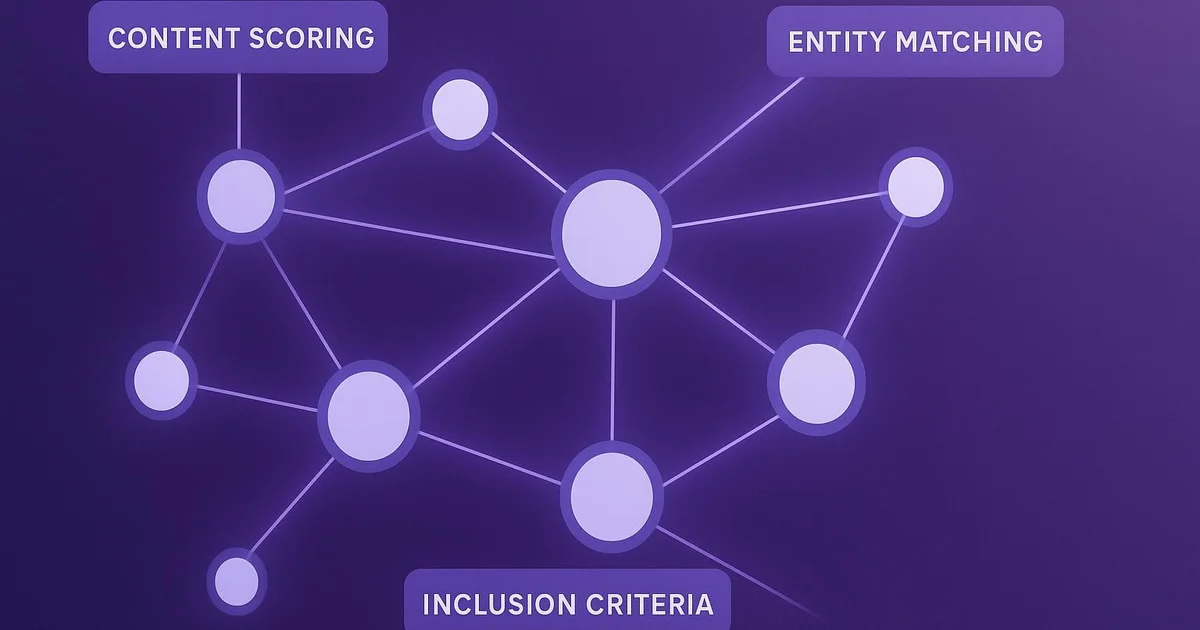
With Selfhook, JSON-LD markup is handled without manual intervention. At every WordPress publication, Selfhook analyzes the generated content and automatically injects the most relevant schemas: Article for the editorial body, FAQPage if a question-answer section is detected, HowTo for procedural content. Selfhook also ensures there are no conflicts with Yoast or RankMath by harmonizing the schema graph. The result: your WordPress pages go live with clean, validated JSON-LD optimized for AI Overviews, without having to manually edit each article. You keep control and track performance in Search Console.
Key takeaways
JSON-LD helps AI Overviews understand and cite your WordPress content
Prioritize Article, FAQPage and HowTo types based on content
Avoid duplicate schemas between plugins (Yoast vs RankMath)
Validate each page with Google's Rich Results Test
Measure real impact in Search Console, without assuming gains
Selfhook centralizes content generation, SEO/GEO optimization, WordPress publishing and tracking in a single workflow.
Discover Selfhook →FAQ
Do I need Yoast or RankMath for AI Overviews JSON-LD?
Both generate valid JSON-LD on WordPress. Yoast builds a coherent schema graph automatically, while RankMath offers native FAQ and HowTo blocks in Gutenberg. The choice depends on your needs; the key is to activate only one to avoid conflicts.
Does JSON-LD ensure a citation in AI Overviews?
No. No markup ensures a citation. JSON-LD can contribute to improving the eligibility and AI engines' understanding of your content, but selection depends on many factors. The impact should be measured in Search Console depending on your topic.
How do I check that my JSON-LD is correct on WordPress?
Use Google's Rich Results Test by pasting your page URL. Also inspect the page source (Ctrl+U) to spot duplicate `application/ld+json` blocks. Search Console finally surfaces structured data errors detected across the whole site.
Which schemas should I prioritize for AI Overviews?
Article or BlogPosting for editorial content, FAQPage for question-answer sections, and HowTo for step-by-step tutorials. These formats match the structure AI engines reuse most often, generally observed on informational queries.
Does Selfhook replace my SEO plugin for JSON-LD?
Selfhook complements your setup by automatically injecting optimal schemas at every publication, while harmonizing the graph to avoid conflicts with Yoast or RankMath. You keep your SEO plugin and gain automation and consistency.
Operational checklist
Conclusion
Well-structured JSON-LD is a pillar of AI Overviews optimization on WordPress. By choosing the right schema types, avoiding duplicates and systematically validating your pages, you give AI engines the signals they need to understand and potentially cite your content. Nothing is recommended, but clean markup can contribute to improving your visibility, to be measured in Search Console. To fully automate this technical layer, Selfhook injects the optimal Article, FAQPage and HowTo schemas at every WordPress publication, in harmony with your SEO plugin. You save time and stay aligned with GEO best practices. Also check our guides on automatic schema markup and WordPress AI Overviews.
Ready to automate your SEO content?
Discover how Selfhook can help you create and publish quality SEO content
Start for free