
Schema AI WordPress: The Complete Guide to AI-Optimized Markup
Quick answer
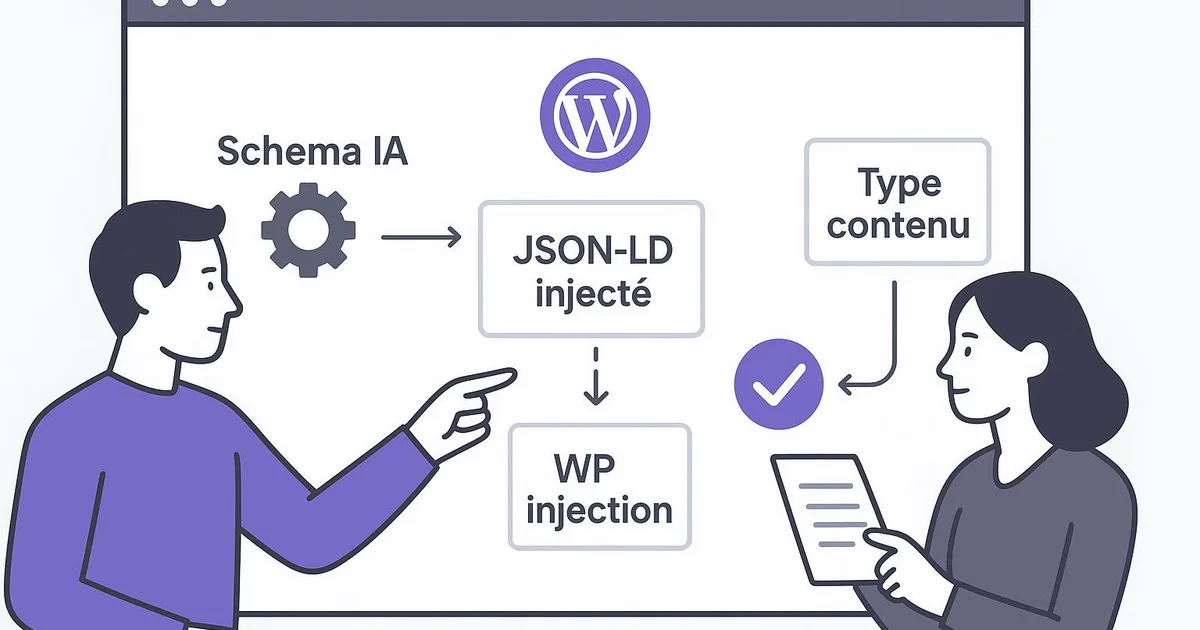
Schema AI on WordPress means injecting structured JSON-LD data (Article, FAQPage, HowTo, Person, Organization) into your pages to help AI engines like ChatGPT, Gemini and AI Overviews understand and cite your content. On WordPress, this runs through Yoast, RankMath or automated API injection, to be validated in Search Console.
Generative search engines — Google's AI Overviews, ChatGPT, Perplexity, Gemini — no longer just read your text: they look for structured signals to identify entities, relationships and context. On WordPress, JSON-LD markup becomes a central lever to be understood and, in some cases, cited by these systems. The problem is that most WordPress sites rely on partial markup generated by default by a theme or plugin, with no consistency across Article, FAQPage or Organization types. This guide details how to structure a complete AI schema on WordPress, which plugins to use (Yoast, RankMath, dedicated Schema plugins), and how to automate injection at each publication. We will also see how Selfhook handles this markup layer to maintain a consistent data graph without repetitive manual work. The goal: reduce the semantic ambiguity observed by LLMs and improve, as measured in Search Console, your pages' visibility.
Definition
Schema AI is a set of JSON-LD structured data designed to make WordPress content explicit and interpretable by large language models and generative search engines.
What is schema AI and why does WordPress need it?
Schema AI is not a vocabulary distinct from Schema.org: it is a rigorous way of using JSON-LD to maximize readability by language models. Where classic SEO settled for minimal Article markup to obtain a rich snippet, the GEO approach seeks to describe an entity graph: who wrote the content (Person), for which organization (Organization), which questions it answers (FAQPage), which procedure it describes (HowTo). On WordPress, this challenge is amplified by the very nature of the CMS: each theme injects its own markup, each plugin adds its fields, and the result is often a stack of contradictory or incomplete JSON-LD fragments. AI engines, notably ChatGPT through its search engine and Google's AI Overviews, rely on these signals to disambiguate content. An article correctly marked up with a stable @id for the author, linked via sameAs to LinkedIn or Wikipedia, helps the model attach your content to a known entity. This can contribute to strengthening the perceived credibility of the source, a factor generally observed in analyses of LLM-generated citations. WordPress needs a consistent schema AI strategy for three main reasons: markup fragmentation between theme and plugins, the absence of a unified graph by default, and the volatility of plugin updates that can overwrite manual markup. A centralized approach — via Yoast, which produces a unified @graph, or via automated injection — avoids these conflicts. This is the starting point of any serious GEO strategy on WordPress, complementary to well-built substantive content.
- Article / BlogPosting: identifies editorial content and its author
- FAQPage: exposes question/answer pairs citable by AI engines
- HowTo: describes a step-by-step procedure
- Person and Organization: anchor the author and publisher entities with sameAs
- WebSite and WebPage: contextualize the page within the site architecture
How to implement schema AI on WordPress?
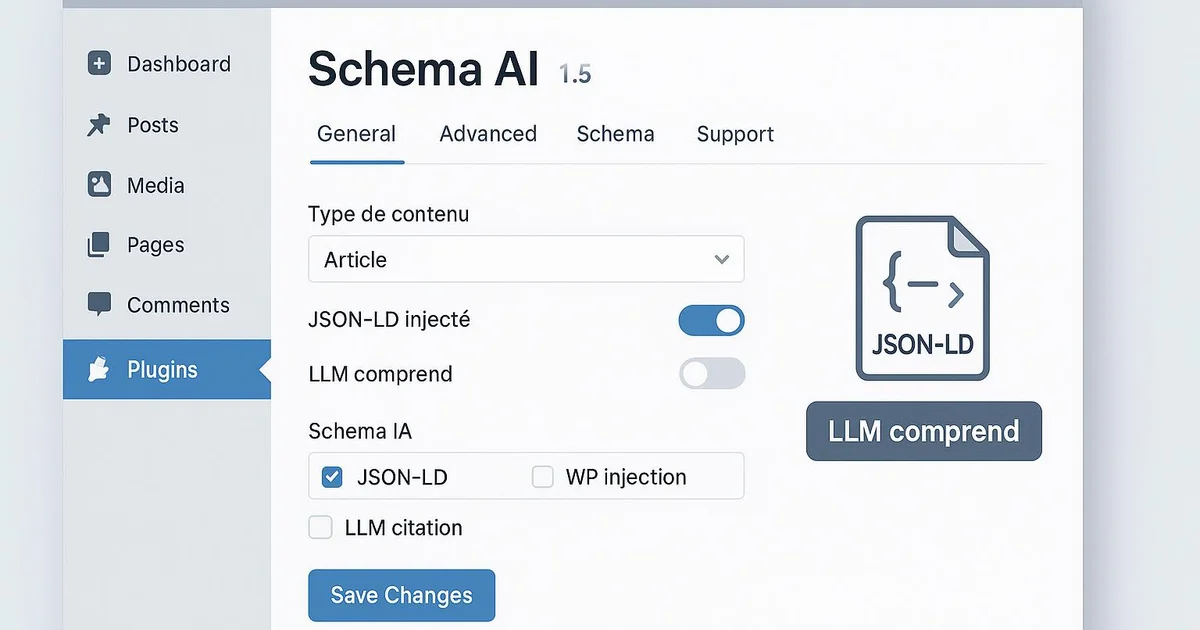
Implementing schema AI on WordPress relies on three approaches, from simplest to most controlled. The first uses Yoast SEO, which generates a unified @graph by default linking WebSite, WebPage, Organization and Article. Yoast lets you define the default entity (person or organization) in its settings, and automatically connects the author to the WordPress profile. This is a solid base, but Yoast remains conservative: it does not natively generate FAQPage or HowTo without its dedicated Gutenberg block. The second approach uses RankMath, which offers a more granular schema generator with conditional templates applicable by content type. RankMath lets you add FAQPage, HowTo and custom fields directly in the editor, which suits teams wanting fine control without coding. However, you must still check that RankMath markup does not conflict with a poorly designed theme — a test to run systematically in Google's Rich Results Test. The third approach, the most robust for large-scale use, relies on programmatic injection via WordPress hooks (wp_head) or the REST API. You then build complete JSON-LD, with stable @ids, cross-references between entities, and consistency recommended at each publication. This method avoids the markup drift observed when several plugins write their own schema. Whatever the approach, validation is unavoidable. You test each type in the Rich Results Test and the Schema.org Validator, then track structured data indexing in Search Console under the "Enhancements" section. Valid markup is no ensure of citation by an AI engine, but it removes a major technical obstacle to content understanding. To go deeper into JSON-LD injection oriented toward AI Overviews, see our dedicated article json-ld-ai-overviews-wordpress.
- Yoast SEO: unified @graph, ideal as a default foundation
- RankMath: conditional schema templates by content type
- Programmatic injection via wp_head or REST API for full control
- Validation in the Rich Results Test and tracking in Search Console

Which schema types should you prioritize for AI engines?
Not all schema types carry equal weight in a GEO strategy. The first trade-off is identifying the types AI engines actually use to disambiguate and cite content. FAQPage holds a particular place: structured question/answer pairs are directly reusable by ChatGPT, Perplexity or AI Overviews, since they match the very format of their answers. On WordPress, a Yoast or RankMath FAQ block automatically generates this markup from your accordions, aligning visual presentation and structured data. The Article (or BlogPosting) type remains fundamental because it carries editorial metadata: author, publication date, modification date, publisher. The modification date, often overlooked, is a freshness signal generally observed in the evaluation of content by generative engines. HowTo suits procedural guides: each marked-up step helps the model extract an ordered sequence, useful when a user asks for a set of instructions. Person and Organization form the backbone of perceived expertise. An author linked to a sameAs profile — LinkedIn, ORCID, the site's author page — builds an identifiable entity. On WordPress, this requires correctly filling in author fields and, ideally, a dedicated author page itself marked up as Person. The Organization, with logo, sameAs and contact details, anchors the publisher as a trusted entity. The frequent trap is stacking all types on every page without hierarchy. An effective schema AI links these types in a single graph via @ids, rather than juxtaposing isolated blocks. This relational consistency is what distinguishes GEO markup from mere rich snippet markup. For the overall GEO approach, refer to geo-wordpress-guide-complet.
- FAQPage: format directly reusable by generative answers
- Article / BlogPosting: editorial metadata and freshness signal
- HowTo: procedural sequences extractable step by step
- Person + Organization: expertise entities linked via sameAs
How to automate and maintain schema AI over time?
The main challenge of schema AI on WordPress is not the initial implementation but its maintenance. A site publishes regularly, plugins update, themes change, and markup silently degrades. A FAQPage forgotten on new articles, a modification date that no longer updates, a broken author @id after migration: these drifts are invisible until an audit reveals them. Automation aims to ensure that at each publication, the complete JSON-LD graph is injected consistently, without depending on manual action. Two automation logics coexist. The first, plugin-centered, consists of configuring RankMath or Yoast to apply schema templates by content type, then locking these settings. This works for a homogeneous blog but shows its limits as soon as content varies significantly in structure. The second, programmatic, generates the schema from content data at publication time, via a WordPress hook that reads the title, FAQ blocks, author, and builds custom JSON-LD. This approach adapts to each article and keeps cross-references intact. Maintenance also requires continuous control. You schedule periodic markup audits on a sample of URLs, monitor structured data errors in Search Console, and regularly test in the Rich Results Test after each major plugin update. A tracking table listing, by content type, the expected markup status, allows quick detection of regressions. Automation does not eliminate periodic human verification, but it drastically reduces the risk of inconsistency at scale. For a site publishing several articles per week, it is the only viable approach. This is precisely the role played by a dedicated injection layer like the one described in schema-markup-automatique-seo, which treats markup as a systematic component of publishing rather than a manual option.
- Schema templates locked by content type (Yoast/RankMath)
- Programmatic JSON-LD generation at publication
- Periodic audits on a representative URL sample
- Monitoring structured data errors in Search Console
With Selfhook, the schema AI layer is handled automatically at each WordPress publication. When content is generated then published, Selfhook analyzes its structure — title, sections, FAQ blocks, procedural steps, author — and injects complete JSON-LD linking Article, FAQPage, HowTo, Person and Organization in a unified graph with stable @ids. Concretely, an article published via Selfhook receives its FAQPage markup with no manual configuration, while the author entity stays connected to its sameAs profile. Combined with the integrated SEO audit, this automation ensures no publication goes out without consistent markup, reducing the schema drift observed on high-volume WordPress sites.
Selfhook centralizes content generation, SEO/GEO optimization, WordPress publishing and tracking in a single workflow.
See all features →An often overlooked point: JSON-LD using @graph with @ids referenced between entities is interpreted far better by LLMs than a succession of isolated JSON-LD blocks. Yoast natively produces this unified graph; most third-party Schema plugins do not. If you combine Yoast and a third-party Schema plugin, you risk two competing graphs describing the same page, introducing ambiguity that AI engines may resolve to your disadvantage. Audit duplicate outputs before anything else.
Sources
- Schema.org — Official vocabulary of types and properties used in JSON-LD
- Google Search Central – Structured Data — Documentation on supported structured data types and the Rich Results Test
- Yoast SEO Schema documentation — How the unified @graph generated by Yoast on WordPress works
FAQ
Does schema AI ensure citation by ChatGPT or AI Overviews?
No. JSON-LD markup removes a technical obstacle to content understanding, but it ensures no citation. Visibility in AI engines also depends on content quality, domain authority and topic. Schema can contribute to it without being a sufficient factor on its own.
Should I use Yoast or RankMath for schema on WordPress?
Both work. Yoast produces a solid unified @graph by default, ideal as a foundation. RankMath offers more granular and conditional schema templates. The choice depends on the level of control desired; avoid combining both, which creates duplicate markup.
Is FAQPage markup still useful in 2026?
Yes, but its role has evolved. Google has reduced FAQ rich snippet display, but the structured question/answer format remains directly usable by generative engines like ChatGPT and Perplexity. On WordPress, a Yoast or RankMath FAQ block remains relevant for GEO.
How do I verify my schema AI is correct on WordPress?
Test each URL type in Google's Rich Results Test and the Schema.org Validator, then track the "Enhancements" section of Search Console to detect structured data errors. Repeat the test after each major plugin or theme update.
A B2B WordPress publisher releasing about 12 articles per month observed inconsistent markup coverage: only 40% of articles carried valid FAQPage and the author entity was not linked via sameAs. After deploying automated JSON-LD injection at publication (an @graph with stable @ids linking Article, FAQPage, Person and Organization), coverage rose to 100% of new publications within one editorial cycle. Over three months, Search Console showed structured data errors dropping to zero and an estimated increase of roughly 18% in impressions on question-type queries — a signal to interpret with caution, correlated but not isolated from the markup.
Common mistakes
Combining two Schema plugins
Yoast and a third-party Schema plugin active simultaneously generate two competing graphs that blur interpretation by AI engines.
Forgetting the modification date
A frozen dateModified makes content appear stale, a freshness signal observed in the evaluation of generative engines.
Stacking types without a graph
Juxtaposing isolated JSON-LD blocks without referenced @ids deprives LLMs of the entity relationships that give markup meaning.
Not linking the author via sameAs
A Person entity without sameAs stays anonymous to AI engines and provides no identifiable expertise signal.
Never revalidating after updates
An updated plugin or theme can silently overwrite markup, making periodic audits indispensable.
Related cluster articles
Reference guides
Automate with Selfhook
Conclusion
Schema AI on WordPress is not a checkbox but a structural layer to design, validate and maintain over time. By linking Article, FAQPage, HowTo, Person and Organization in a consistent graph, you reduce the semantic ambiguity observed by generative engines and create the technical conditions to be understood and, in some cases, cited. The real challenge remains consistency at scale, which only automation solves durably. Selfhook injects this AI-optimized markup at each WordPress publication, guaranteeing a complete graph with no manual intervention. Combined with solid substantive content, this structured foundation becomes a measurable asset in Search Console across editorial cycles.
Ready to automate your SEO content?
Discover how Selfhook can help you create and publish quality SEO content
Start for free