
Rich Results Search Console Test: Complete 2026 Guide
Quick answer
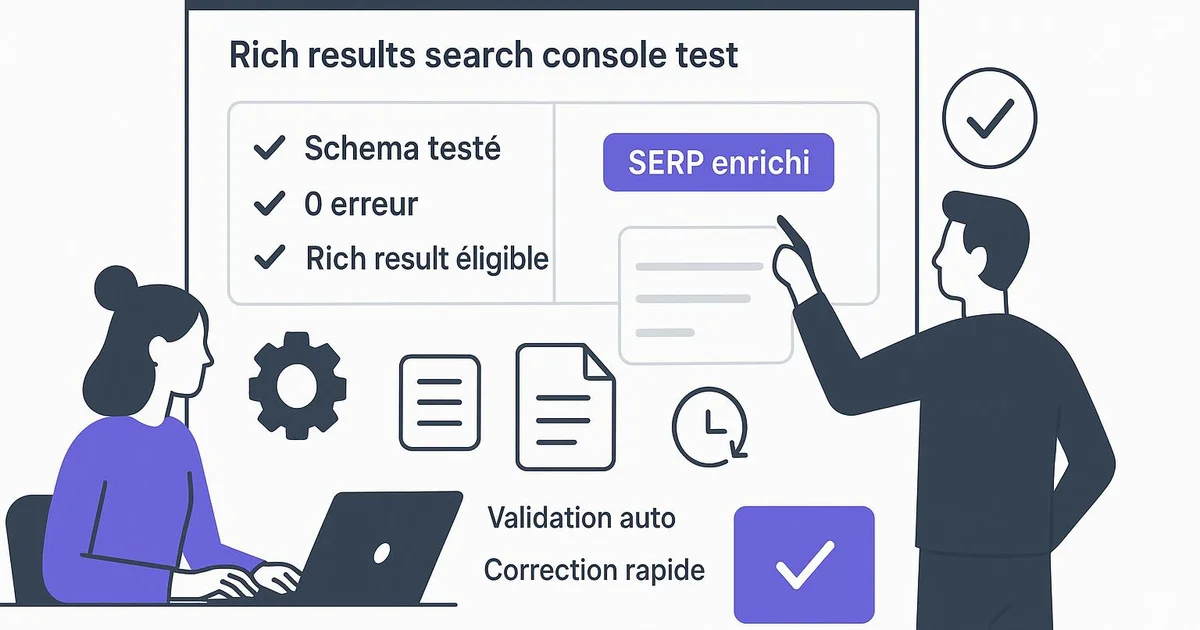
Google's Rich Results Test is a free tool that checks whether a page is eligible for rich results (stars, FAQ, breadcrumbs). It analyzes your Schema.org structured data and flags errors. In Search Console, the « Rich results » report then monitors that same data across your entire site over time.
You added Schema markup to your articles, but your star ratings or FAQ aren't showing up in Google? The issue often stems from a hidden error in your structured data. That's exactly what the Rich Results Test detects, Google's validation tool. Combined with the « Rich results » report in Search Console, it lets you know, before and after publishing, whether your pages can qualify for an enhanced display. This guide explains, step by step and jargon-free, how to use these two complementary tools. You'll learn how to read the reports, fix the most common errors, and monitor your structured data over time. We'll also see how Selfhook automates this check on every publish, so Schema errors never slip through unnoticed and hurt your visibility in Google.
Definition
The Rich Results Test is a free Google tool that analyzes a web page's structured data to determine whether it is eligible for rich results in search engine results pages.
What is the Rich Results Test and what is it for?
Before going further, let's clarify a term: « structured data » refers to code added to a page (usually in JSON-LD format) that describes its content using the Schema.org vocabulary. This code tells Google: « this is a recipe », « this is an FAQ », « here is a 4.5-star rating ». « Rich results » are the enhanced displays that may follow in search results. The Rich Results Test takes a URL or a snippet of code as input, then simulates how Google interprets it. It shows you the rich result types detected, the valid items, and most importantly the errors or warnings to fix. An error generally blocks eligibility; a warning doesn't block it but deserves attention. Keep an important nuance in mind: passing the test means the page is eligible, not that it will systematically display a rich result. Google decides case by case, depending on the topic and the query. The tool validates technical compliance; the display decision remains algorithmic. It's a necessary but not sufficient prerequisite.
- Input: a live URL or an HTML/JSON-LD code snippet
- Output: detected rich result types, valid items, errors and warnings
- Error = eligibility blocked; warning = monitor without blocking
- Technical validity ≠ recommended display in results
How to test and fix your structured data?
The process is simple and takes just a few minutes. Go to Google's Rich Results Test tool, paste your page URL (or your code if the page isn't live yet), then run the analysis. The tool crawls the page as Googlebot would and displays a detailed report. If errors appear, they are generally explicit: missing required field, wrong value format, unrecognized type. For example, FAQPage markup can fail if a question has no associated answer, or Article markup if the publication date is missing. Extensions like Yoast or RankMath automatically generate part of this markup on WordPress, but conflicts between plugins can create duplicates or inconsistencies. Once the error is identified, fix the source code or the plugin setting, then rerun the test to confirm. Then move on to continuous monitoring with Search Console.
- Open the Rich Results Test and enter your URL
- Run the analysis and read the detected types
- Identify each error (missing field, invalid format, duplicate)
- Fix it in WordPress, Yoast, RankMath or the source code
- Rerun the test to validate the fix
What's the difference with the Search Console report?
The Rich Results Test works page by page, on demand: you use it when publishing or debugging. Google Search Console, by contrast, monitors your entire site continuously. In the « Enhancements » (or « Rich results ») section, you'll find a report for each type of markup detected: FAQ, breadcrumbs, articles, products, and so on. Each report shows the number of valid pages, those with warnings, and those with errors, along with their evolution over time. This is especially useful for spotting a problem that suddenly appears after a plugin or theme update. You can click an error to see the affected URLs, then use the « Validate fix » button after resolving the issue. In practice, both tools are complementary: the Rich Results Test to test a specific page before publishing, Search Console to monitor the overall health of your structured data over time. Combining the two, as detailed in our guide on automating Google Search Console, helps you detect regressions quickly and maintain rich result eligibility at scale.
- Rich Results Test: one-off, page-by-page, on-demand analysis
- Search Console: continuous monitoring of the whole site
- Report by type: FAQ, breadcrumbs, articles, products
- « Validate fix » button after resolving an error
With Selfhook, structured data validation is automated on every WordPress publish. As soon as an article is generated and published, Selfhook queries Google's Rich Results Test API to verify the Schema markup produced (Article, FAQPage, breadcrumbs). If a Schema error is detected, you receive an immediate alert indicating the page and field concerned, before the issue affects your rich result eligibility. Combined with SEO auditing and Yoast-optimized content generation, this check prevents silent regressions caused by plugin conflicts and saves you considerable manual control time across dozens of pages.
Selfhook centralizes content generation, SEO/GEO optimization, WordPress publishing and tracking in a single workflow.
See all features →FAQ
Is the Rich Results Test free?
Yes, the Rich Results Test is a completely free tool provided by Google. You can test as many URLs as needed, without a paid account. There is also a free API to automate these checks at scale.
Does passing the test ensure rich results will display?
No. The test confirms your page is technically eligible, but Google decides on the display case by case, depending on the query and topic. Valid structured data is a necessary prerequisite, not a display ensure.
What's the difference between the Rich Results Test and the Search Console report?
The Rich Results Test analyzes a specific page on demand, ideal before publishing. The « Rich results » report in Search Console continuously monitors the entire site and flags errors that appear over time. The two are complementary.
Why does my FAQ markup trigger an error?
FAQPage errors often come from a question without an associated answer, duplicated markup between two plugins, or hidden content. Check your Yoast or RankMath configuration and rerun the test after fixing.
Operational checklist
Related cluster articles
Automate with Selfhook
Conclusion
The Rich Results Test and the « Rich results » report in Search Console form an essential duo for maintaining healthy structured data. The first validates a page before publishing, the second monitors the entire site over time. Together, they can help preserve your rich result eligibility and quickly detect regressions. To go further, check out our guides on automatic schema markup and FAQ Schema for LLM citations. And if you publish regularly on WordPress, Selfhook automates this check on every release, alerting you the moment a Schema error appears, with no manual verification.
Ready to automate your SEO content?
Book a 30-minute video demo: we show you Selfhook on your WordPress site, from SEO audit to publishing.
Request a demo