
GEO WordPress Plugin: The Complete 2026 Comparison Guide
Quick answer
A GEO WordPress plugin optimizes your content for AI engines (ChatGPT, Perplexity, AI Overviews) directly inside WordPress. Classic SEO plugins like Yoast or RankMath handle traditional ranking but often stop short of AI-oriented JSON-LD, GEO generation, and automated publishing that specialized tools like Selfhook cover.
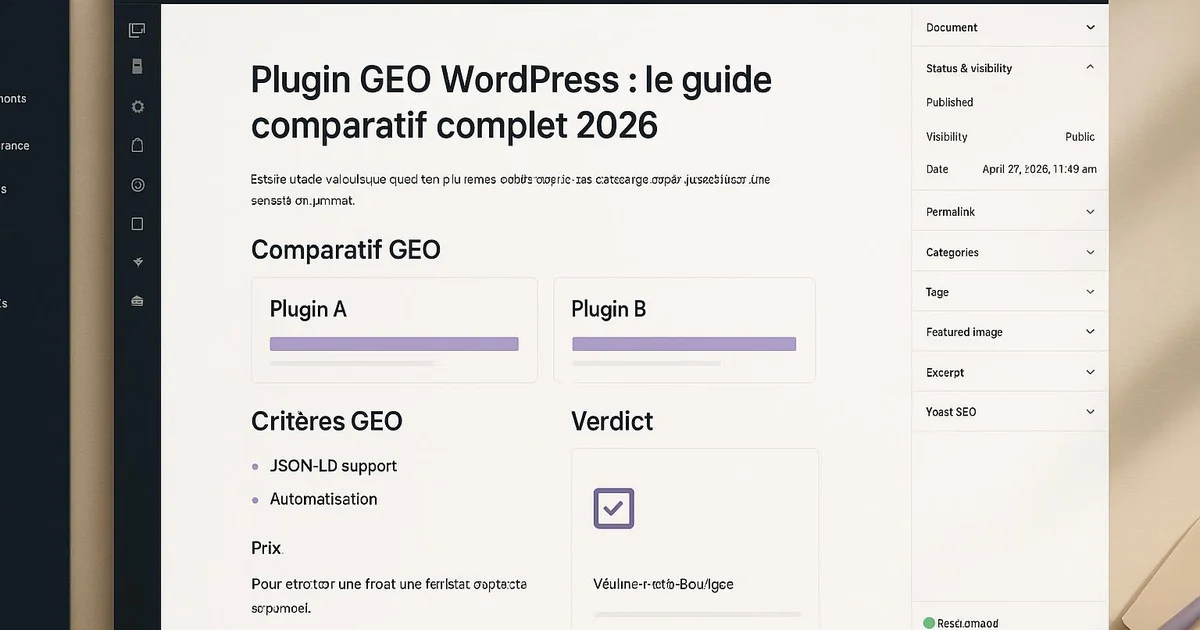
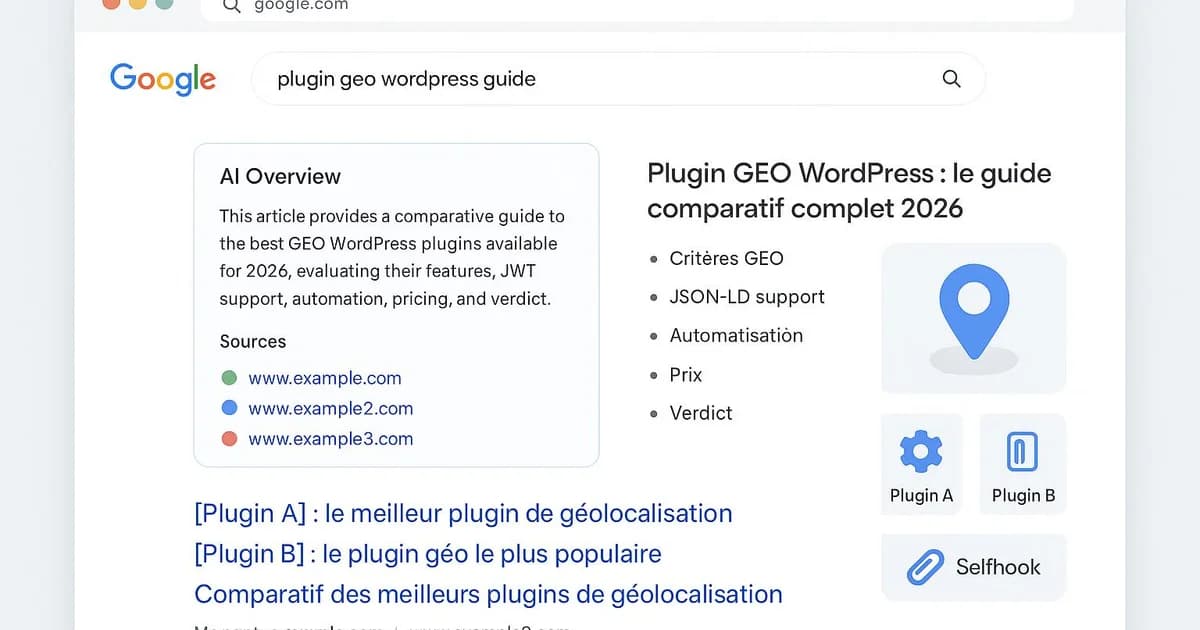
You've installed Yoast or RankMath, published content regularly, yet your pages appear nowhere in answers from ChatGPT, Perplexity, or Google's AI Overviews. The issue: classic SEO plugins were built to rank in blue links, not to be cited by generative engines. GEO (Generative Engine Optimization) requires an extra layer: semantic structuring, AI-oriented JSON-LD, genuinely citable content. This guide compares the main GEO WordPress plugins, shows where traditional tools stop, and details how to cover the full chain — from generation to publishing. We illustrate each point with concrete examples inside the WordPress interface, and you'll see where a tool like Selfhook takes over where Yoast stops.
Definition
A GEO WordPress plugin is a tool that prepares and structures a WordPress site's content to maximize its visibility and citability in generative AI answer engines (Generative Engine Optimization), complementing traditional SEO.
What does a GEO WordPress plugin actually do?
A GEO WordPress plugin acts on the signals AI engines read to decide what to cite. Concretely, on WordPress, this translates into several measurable actions. Where Yoast optimizes mainly the title, meta description, and readability score, a GEO tool works on the deep structure of content and its machine-readable markup. Here are the key functions to expect, all verifiable in the Gutenberg editor or via the WordPress API:
- Generate enriched JSON-LD (FAQPage, Article, HowTo) that ChatGPT and Gemini can parse
- Structure content into autonomous, citable blocks (question H2s, short answers)
- Add explicit definitions at the start of sections to ease AI extraction
- Optimize named entities (Google, Yoast, WordPress) recognized by engines
- Publish or update automatically via the WordPress REST API
Yoast, RankMath, or Selfhook: which one for GEO?
Yoast SEO and RankMath remain excellent for the fundamentals: sitemaps, meta tags, breadcrumbs, basic Schema. But their logic stops at traditional SEO. Yoast generates a correct Article Schema, RankMath offers more Schema types, yet neither generates GEO content nor orchestrates automated publishing. To go further, you either stack plugins (Schema Pro, third-party AI generators, automations) or adopt a tool designed for end-to-end GEO. Selfhook positions itself in that last niche: AI-optimized content generation, JSON-LD oriented toward generative engines, and automatic WordPress publishing. To automate the classic markup side, see our automatiser-yoast-seo-wordpress guide, complementary to a GEO approach.
- Yoast SEO: solid SEO base, limited Schema, no GEO generation
- RankMath: more Schema types, but publishing and AI generation absent
- Schema Pro: advanced markup but no GEO editorial work
- Selfhook: GEO generation + AI JSON-LD + automatic publishing in one chain
How to set up a GEO stack on WordPress?
No need to replace everything. The right approach is a complementary stack where each tool covers its layer. Keep Yoast or RankMath for the technical fundamentals (sitemap, meta, canonical) and add a GEO layer on top. On WordPress, start by verifying your theme exposes clean JSON-LD — test a URL in Google's Rich Results Test tool. Then structure your articles into clear Gutenberg blocks: an H2 as a question, followed by a 40-60 word answer. This structure is the one AI engines extract most easily, as detailed in our schema-ai-wordpress-guide article. Finally, measure: in some cases you may observe a rise in impressions to monitor in Search Console, without recommended citation, since each engine remains opaque about its criteria.
- Keep Yoast/RankMath for sitemap, meta and canonical
- Add the GEO layer (AI JSON-LD + citable structure) on top
- Test each URL in Google's Rich Results Test tool
- Track impressions and queries in Search Console after deployment
Consider an agency managing 15 client WordPress sites on Yoast. Each publication required a manual pass: structuring H2s as questions, writing short answers, adding FAQPage JSON-LD. With Selfhook, the team generates content already GEO-optimized, lets Selfhook produce AI-oriented JSON-LD, then triggers automatic WordPress publishing via the REST API. The workflow that took two hours per article drops to a ten-minute validation. Selfhook layers on top of Yoast without conflict: Yoast handles the fundamentals, Selfhook covers GEO generation, AI markup, and publishing. The agency then tracks impressions in Search Console to adjust its editorial strategy by topic.
Selfhook centralizes content generation, SEO/GEO optimization, WordPress publishing and tracking in a single workflow.
See all features →Operational checklist
Common mistakes
Believing Yoast is enough for GEO
Yoast optimizes traditional SEO but generates neither GEO content nor AI-oriented JSON-LD.
Stacking redundant Schema plugins
Multiplying markup plugins creates conflicting JSON-LD that AI engines may ignore.
Neglecting editorial structure
Without H2-questions and short answers, even the best markup won't make content citable.
Promising a recommended citation
No setting ensures an AI citation; you can only contribute to visibility, to be measured in Search Console.
Action plan
- 1
Audit the existing setup
List your current SEO plugins and test the JSON-LD of your key pages in Google's Rich Results Test tool.
- 2
Define the stack
Keep Yoast or RankMath for the technical base and choose a GEO layer (AI JSON-LD + citable structure) on top.
- 3
Restructure priority content
Rephrase H2s as questions and add 40-60 word answers on your 10 highest-traffic pages.
- 4
Automate publishing
Set up generation and automatic publishing via the WordPress REST API or a dedicated tool like Selfhook.
- 5
Measure and iterate
Track impressions and queries in Search Console for 6-8 weeks and adjust by topic.
FAQ
Does a GEO plugin replace Yoast on WordPress?
No, it complements it. Yoast handles SEO fundamentals (sitemap, meta, canonical), while a GEO layer works on citability by AI engines. Both work together without conflict on WordPress.
Which GEO WordPress plugin to choose in 2026?
It depends on your needs. For Schema alone, RankMath or Schema Pro suffice. To cover GEO generation, AI JSON-LD, and automatic publishing in one chain, a tool like Selfhook is more complete.
Does GEO ensure being cited by ChatGPT?
No, no method ensures it. AI engines remain opaque about their criteria. Good GEO structure can contribute to visibility, a result to measure in Search Console depending on the topic.
Do you need code to set up a GEO stack on WordPress?
Not necessarily. Most GEO plugins and tools install via the WordPress interface or connect to the REST API. Selfhook, for example, handles automatic publishing without touching code.
Related cluster articles
Automate with Selfhook
Conclusion
Choosing a GEO WordPress plugin isn't about replacing Yoast: it's about adding a layer of AI citability where traditional SEO stops. Yoast and RankMath remain essential for the fundamentals, but GEO generation, AI-oriented JSON-LD, and automatic publishing require a tool built for it. Selfhook covers this full chain, integrating on top of your existing stack without conflict. Start by auditing your pages, structure your priority content, then automate. To go further, check out our geo-wordpress-guide-complet and consistently measure your results in Search Console.
Ready to automate your SEO content?
Book a 30-minute video demo: we show you Selfhook on your WordPress site, from SEO audit to publishing.
Request a demo