
SEO Cannibalization: How to Detect It in Search Console
Quick answer
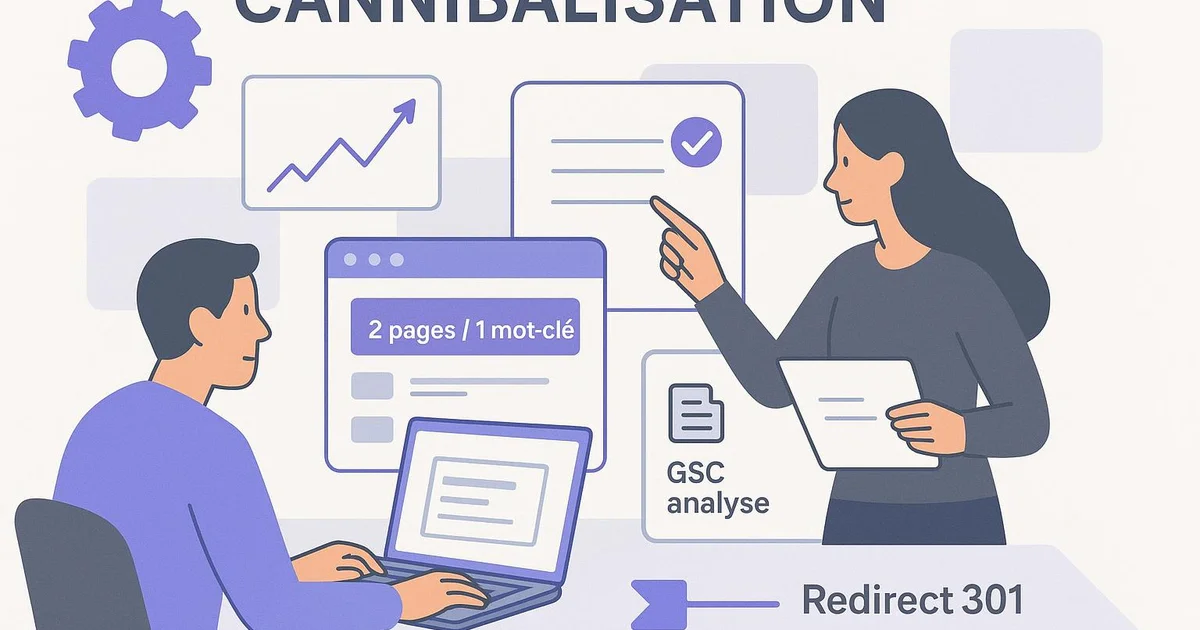
SEO cannibalization is detected in Google Search Console by filtering a key query, then checking how many URLs rank for that same keyword. If two or more pages share impressions and clicks, they compete. Compare their average positions, then merge, redirect, or differentiate intents to consolidate ranking.
Published several similar articles and your rankings are stalling? Chances are your pages are competing against each other. That's SEO cannibalization: instead of pushing one strong URL, Google hesitates between two or three pages targeting the same keyword. The result: unstable positions, scattered impressions, lost clicks. The good news is that Google Search Console already contains all the data to diagnose the problem, as long as you know what to filter. In this guide, you'll see how to spot cannibalized queries, compare competing URLs, and choose between merging, redirecting, or differentiating intent. We finish with prevention: a clean cluster structure, where each article has a adapté keyword. This is exactly what Selfhook automates by structuring your content and internal linking from generation onward.
Definition
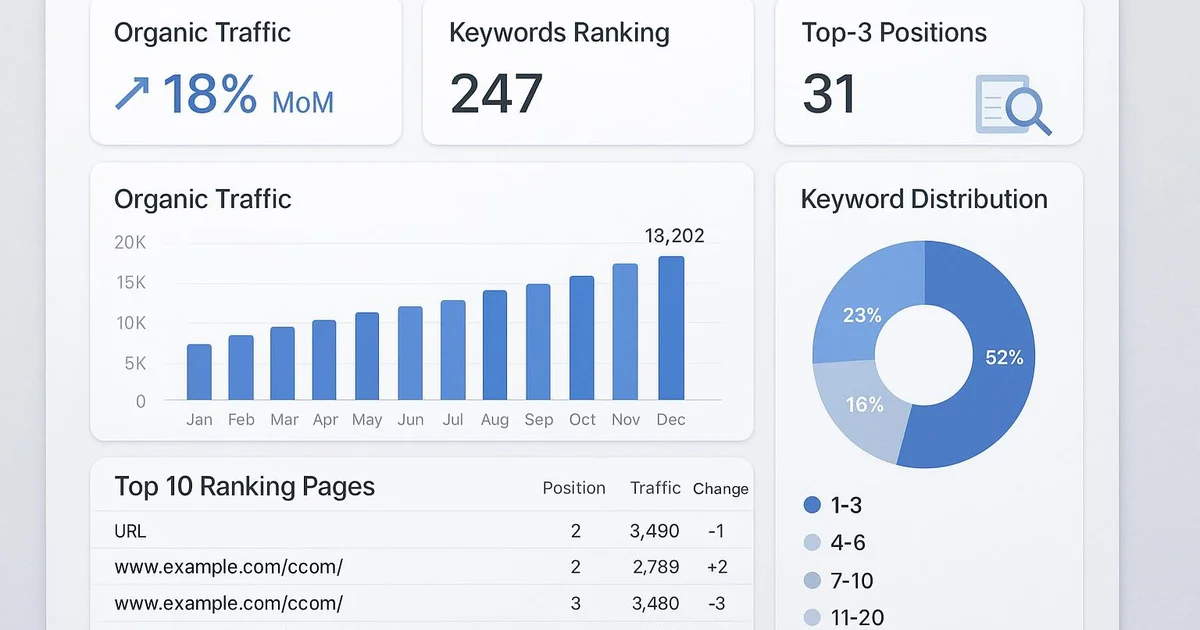
SEO cannibalization is the phenomenon where several pages on the same site rank for the same keyword or search intent, diluting the signals sent to Google instead of concentrating relevance on a single URL.
What is SEO cannibalization and why does it cost rankings?
SEO cannibalization occurs when several URLs on your site target the same search intent. Faced with these redundant pages, Google doesn't know which one to prioritize. It may alternate between them as its algorithm updates, causing see-saw positions in Search Console. Each page captures a fraction of the authority instead of concentrating it on a single candidate URL. Concretely, the impact is measured on several fronts. First, you dilute link equity: backlinks and internal linking spread across multiple pages instead of reinforcing one pillar page. Second, click-through rate drops, because a page shown sometimes at position 6 and sometimes at position 11 generates far fewer clicks than a page stable in the top 5. Finally, you waste crawl budget: Google explores several similar pieces of content without net gain. You need to distinguish real cannibalization from simple overlap. Two pages can appear on a broad query without hurting each other if their intents differ (a transactional page and an informational guide, for example). Cannibalization becomes problematic when:
- Two or more URLs target exactly the same search intent
- The average positions of competing pages are close and unstable
- Impressions are split between several pages on the same query
- The page you want to rank is not the one Google displays
How to detect cannibalization in Google Search Console?
Google Search Console is the most reliable tool for diagnosing cannibalization, because it shows exactly which URLs Google associates with which queries. Here's the method to apply directly. Start by opening the Performance report, then the Search results tab. Enable the Clicks, Impressions, CTR, and Average position metrics. Then click the Queries tab and locate your strategic keywords. Take a key query, click it to filter, then switch to the Pages tab. If a single URL appears, no cannibalization. If two or more pages show up with significant impressions, you have a clear signal. To move faster across the whole site, export the data from the Pages tab cross-referenced with Queries. You can also use the Search Console API to retrieve query/URL pairs in bulk and spot duplicates in a spreadsheet. Sort by query and watch those associated with multiple URLs. An advanced indicator: monitor queries where the ranking page changes over time. In Search Console, compare two periods (for example the last 3 months versus the previous 3). If the winning URL on a query has changed, it's often a symptom of ongoing cannibalization. To be measured in Search Console, this type of instability generally precedes a position loss. Don't rely on a single snapshot. Cannibalization is confirmed over time. A page oscillating between position 7 and 14 over several weeks, while a cousin URL does the opposite, is the typical case to fix first.
- Filter a key query, then check the Pages tab
- Spot queries associated with 2 or more URLs with notable impressions
- Compare two periods to detect a change in winning URL
- Export via the API to analyze query/URL pairs in bulk
Which signals confirm real cannibalization?
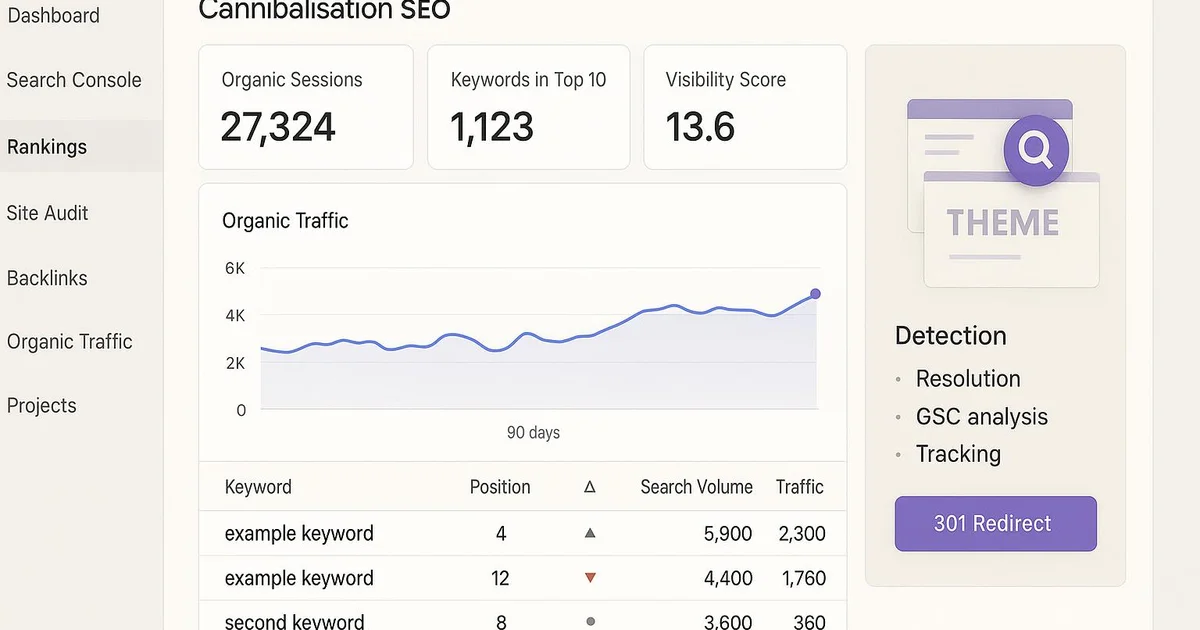
Spotting two URLs on the same query isn't enough to conclude. You need to qualify the problem to avoid merging pages that didn't need it. Several signals, cross-referenced, confirm real cannibalization. The first signal is URL alternation on the query. In Search Console, if you compare several weeks and Google shows sometimes page A, sometimes page B on the same keyword, that's the clearest symptom. Google is testing both and can't decide. The second signal is intent overlap. Read the title, H1, and main content of both pages. If they answer the same question with a nearly identical angle, they cannibalize each other. If one is a complete guide and the other a product page, the intent differs and coexistence can be healthy. The third signal concerns similar and mediocre average positions. Two pages stuck at position 8 and 11 on the same query generally get worse results than a single consolidated page that could target the top 5. In some cases, merging gains several positions. The fourth signal is click distribution. If a query generates 100 clicks split across three pages, none has enough authority to dominate. Consolidating can concentrate these signals. Finally, check internal linking. If your internal links with the same anchor point to several URLs, you send Google contradictory signals about which page to prioritize. Harmonizing anchors toward a single page is often part of the solution. Cross-reference at least three of these signals before acting: this avoids hasty fixes that break performing pages.
Merge, redirect, or differentiate: which fix to choose?
Once cannibalization is confirmed, three correction strategies are available. The right choice depends on each page's value and the closeness of intents. Merging suits cases where two pages cover the same topic incompletely. You combine the best content into a single URL, the historically best-performing one, then redirect the other with a 301 to it. This approach concentrates content, backlinks, and relevance signals. It's often the solution that brings the best gain, because it creates a more complete and authoritative page. Simple redirection applies when a page is clearly obsolete or low value. You redirect it with a 301 to the reference page without salvaging content. Fast and effective to clean up a site cluttered with old redundant articles. Intent differentiation is the right option when both pages deserve to exist but target too similar an angle. You rewrite one to target a distinct intent: for example, turning a second generic guide into a comparison page or a case study. You adjust the title, H1, subheadings, and lexical field. Then you fix internal linking so each page receives anchors consistent with its new target. Whatever the choice, document the action and monitor Search Console over 4 to 8 weeks. Verify that the kept page gains impressions and stabilizes its position. In parallel, update your sitemap and request reindexing of the target URL to speed up Google's processing.
- Merge + 301: complementary redundant content to consolidate
- 301 redirect only: obsolete or low-value page
- Differentiation: two pages to keep with intents to separate
- Internal linking correction mandatory in all cases
How to prevent cannibalization with a cluster structure?
Fixing always costs more than preventing. The best defense against cannibalization is a clear content architecture based on topic clusters where each page has a defined role. The cluster principle is simple: a pillar page covers a broad topic, and several satellite articles each cover a specific sub-intent, without overlapping. Each article targets a adapté keyword. Satellites point to the pillar page with descriptive anchors, and the pillar links back to the satellites. This structured linking clearly tells Google which page answers which intent. This logic also reinforces your topical authority, your site's ability to be recognized as a reference on a theme. Before publishing a new article, ask yourself a simple question: is this keyword already covered by an existing page? Keep a central file listing each URL with its main target keyword. If the new topic overlaps an existing page, enrich it rather than creating a new one. This editorial discipline eliminates most cannibalization cases at the source. Also automate monitoring. Connect the Search Console API to detect queries associated with multiple URLs as soon as they appear. Regular monitoring, rather than a one-off audit once a year, lets you intervene before positions degrade. This logic aligns with automating Google Search Console for continuous monitoring. Finally, take care with your titles and tags. Distinct meta titles, differentiated H1s, and page-specific lexical fields help Google separate intents, even on close topics. Good upfront structure makes after-the-fact fixes rarely necessary.
Which metrics to track after fixing in Search Console?
After merging, redirecting, or differentiating your pages, the work isn't over. The fix must be validated by data, and Google Search Console remains your best judge. Set an observation window of 4 to 8 weeks, as effects aren't immediate. The first metric to track is the average position of the kept page on the target query. If consolidation worked, you should see an upward trend and above all stabilization: no more oscillations. Compare the post-fix period to the equivalent period before intervention. Then monitor the impressions of the target URL. A consolidated page should recover the impressions previously scattered. In some cases, total impressions exceed the sum of the two old pages, because the page becomes more relevant in Google's eyes. CTR is the third key indicator. A more stable and higher position generally translates into a better click-through rate. Also check that the title shown in results matches your meta title, a sign Google values the right page. Check indexing in the Pages report. Redirected URLs should gradually leave the index and appear as redirected. If an old page stays indexed for a long time, check your 301 and request reindexing. Finally, document each action in a log: date, pages concerned, type of fix, and before/after metrics. This tracking lets you measure the real ROI of your interventions and refine your method. To be measured in Search Console, this discipline turns cannibalization fixing into a reproducible process rather than one-off tinkering.
- Average position of target page: expect rise and stabilization
- Impressions of kept URL: recovery of scattered impressions
- CTR: improvement linked to a more stable position
- Indexing status of redirected URLs in the Pages report
With Selfhook, cannibalization prevention is built into the workflow. During AI content generation, each new article is assigned a adapté target keyword, checked against already-covered topics to avoid intent duplicates. Selfhook automatically structures your clusters: the pillar page and its satellites receive coherent internal linking, with descriptive anchors pointing to the right URL. The SEO audit flags potential overlaps before publishing, and automated WordPress publishing applies differentiated meta titles and H1s. The result: you build your topical authority without creating pages that compete against each other in Search Console.
Selfhook centralizes content generation, SEO/GEO optimization, WordPress publishing and tracking in a single workflow.
See all features →Operational checklist
Action plan
- 1
List strategic queries
Export your main queries from Search Console and note for each the URL that should rank.
- 2
Diagnose duplicates
Filter each key query and note those associated with several URLs with significant impressions.
- 3
Qualify cannibalization
Cross-reference at least three signals: URL alternation, intent overlap, close positions, and click distribution.
- 4
Apply the fix
Merge, redirect with a 301, or differentiate intents, then fix internal linking toward the target page.
- 5
Measure over 4 to 8 weeks
Track average position, impressions, CTR, and indexing in Search Console to validate the gain.
Common mistakes
Merging too fast
Deleting a page before confirming cannibalization risks destroying a URL that performed on another intent.
Forgetting internal linking
Fixing content without harmonizing anchors leaves Google with contradictory signals about which page to prioritize.
Relying on a single snapshot
Cannibalization is confirmed over time; a single day of data can reflect a simple normal fluctuation.
Confusing overlap with cannibalization
Two pages on a broad query with distinct intents can coexist without hurting each other.
FAQ
How do I know if two pages cannibalize each other in Search Console?
Filter a key query in the Performance report, then open the Pages tab. If two or more URLs show up with significant impressions on that same keyword, you have a cannibalization clue. Confirm by comparing two periods to spot any changes in winning URL.
Is SEO cannibalization always a problem?
No. Two pages can appear on the same broad query without hurting each other if their intents differ, for example a product page and an informational guide. Cannibalization becomes problematic when pages target exactly the same intent and their positions are unstable.
Should you always merge cannibalized pages?
Not necessarily. Merging suits complementary redundant content, but a redirect alone is enough for an obsolete page, and intent differentiation is preferable when both pages deserve to exist. The choice depends on each URL's value.
How long before seeing an effect after fixing?
Generally 4 to 8 weeks, the time for Google to recrawl, process redirects, and consolidate signals. Monitor the average position and impressions of the target URL in Search Console over this period to validate the gain.
A WordPress publisher specializing in personal finance had three articles targeting "life insurance taxation." In Search Console, the query showed sometimes article A (position 9), sometimes article B (position 12), with 140 clicks scattered across three URLs. After diagnosis, the team confirmed the URL alternation over two periods. They merged the two weakest articles into the best-performing one via a 301 redirect, then harmonized all internal anchors toward that page. Result observed over 6 weeks: average position stabilized around 5, impressions up roughly 35%, and CTR rising from about 2% to 4%. The figures are estimates specific to this case.
Cannibalization correction strategies
| Criterion | Merge + 301 | Intent differentiation |
|---|---|---|
| When to use | Redundant and complementary content | Two high-value pages with angles too close |
| Effort | Medium (rewrite + redirect) | High (rewrite of an entire page) |
| Expected gain | Signal concentration on one URL | Two pages targeting distinct intents |
| Risk | Loss if the wrong page is kept | Residual overlap if poorly differentiated |
Key takeaways
Detect cannibalization by filtering a query then checking the Pages tab in Search Console
Cross-reference at least three signals before acting: URL alternation, intent, positions, and clicks
Choose between merge, 301 redirect, and differentiation based on each page's value
Systematically fix internal linking and anchors toward the target page
Validate the gain over 4 to 8 weeks via position, impressions, and CTR
Prevent the problem with a cluster structure where each article has a adapté keyword
Operational checklist

Related cluster articles
Reference guides
Automate with Selfhook
Conclusion
SEO cannibalization is not inevitable: Google Search Console already contains everything needed to diagnose it, and the three correction levers — merge, redirect, differentiate — help consolidate your positions in most cases. The key remains prevention: a clear cluster architecture, a adapté keyword per page, and coherent internal linking eliminate the problem at the source. This is precisely what Selfhook automates, by structuring your content from AI generation onward and applying clean linking at WordPress publishing. Start by auditing your strategic queries this week, then establish lasting editorial discipline to strengthen your topical authority.
Ready to automate your SEO content?
Book a 30-minute video demo: we show you Selfhook on your WordPress site, from SEO audit to publishing.
Request a demo