
Automating WordPress SEO Publishing: Complete Guide
Quick answer
Automating WordPress SEO publishing means chaining content generation, Yoast optimization, image handling, categorization and scheduling without manual work. An API or a tool like Selfhook orchestrates the pipeline, which can contribute to reducing production time. Actual gains should be measured in Search Console depending on topic and publishing volume.
Publishing an optimized WordPress article involves a dozen repetitive steps: writing, setting Yoast fields, choosing an image, defining the category, scheduling the date. Multiplied across several articles per week, the time cost becomes the first barrier to any content strategy. Automating WordPress SEO publishing standardizes these steps and frees time for strategy. This guide is straight to the point: what to automate, how to structure the pipeline, and which safeguards to keep. Tools like Selfhook orchestrate the whole chain — AI generation, Yoast optimization, images, categories and scheduling — but the principles also apply to a custom setup via the WordPress REST API. You'll leave with a checklist, a sequential action plan and the mistakes to avoid so you don't damage your rankings while trying to move faster.
Definition
Automating WordPress SEO publishing means delegating the entire editorial pipeline — writing, on-page optimization, media, taxonomy and going live — to a tool or script while keeping consistent SEO standards on every post.
What can you automate in WordPress SEO publishing?
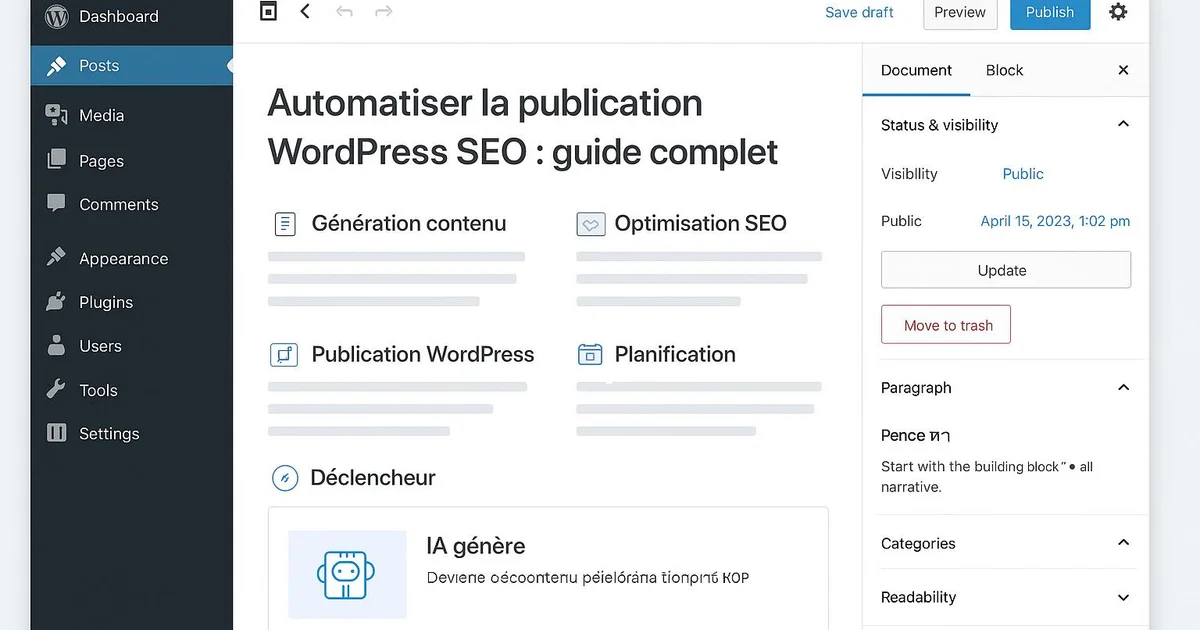
The entire editorial pipeline can be automated, provided each task is broken into a reproducible step. The goal isn't to replace human judgment on strategy, but to eliminate repetitive manual actions that add no SEO value. In practice, several building blocks lend themselves well to automation, each with its own rules. Content generation can be produced by an AI from a structured brief (target keyword, intent, H2/H3 outline, entities to cover). On-page optimization — SEO title, meta description, slug, keyword density, internal links — matches the criteria measured by Yoast or RankMath, and can therefore be filled automatically. Media (featured image, descriptive alt text) can be generated or selected by rules. Taxonomy (category, tags) can be inferred from the topic cluster. Finally, scheduling spreads publications over time. What stays under human control: editorial validation, fact-checking and brand alignment. Automating does not mean publishing blindly.
- Generating the article body from a brief
- Optimized SEO title, meta description and slug
- Alt text and featured image
- Category and tag assignment by cluster
- Internal linking to related articles
- Scheduling and timed publishing
How do you build an automated publishing pipeline?
An effective pipeline follows a funnel logic: a brief goes in, a published, optimized article comes out. Each step must be deterministic to stay reliable at scale. Here's how to structure the flow without losing SEO quality. Start with the source of truth: a prioritized keyword list, ideally from a Semrush audit or Search Console, grouped by topic cluster to strengthen topical authority. Each keyword becomes a brief. The brief then feeds the generation module, which produces structured content with headings aligned to search intent. Next comes the optimization step: the pipeline automatically fills the Yoast or RankMath fields — SEO title under 60 characters, meta description between 145 and 160 characters, clean slug, target keyword. Consistency is crucial here, because a Yoast green light doesn't ensure good rankings; it only indicates compliance with on-page best practices. Then the WordPress integration happens via the REST API or a native connector: draft creation, image upload, category assignment, internal links to your existing articles. Finally, scheduling places the article in the editorial calendar. Prefer a draft queue over instant publishing: it leaves a review window. Each block should log its errors to quickly diagnose a failure — missing image, missing category, empty Yoast field.
- Step 1: prioritized keyword list by cluster
- Step 2: structured brief per keyword
- Step 3: content generation
- Step 4: filling Yoast/RankMath fields
- Step 5: publishing via the WordPress REST API
- Step 6: scheduling and review queue

Automating Yoast without degrading on-page quality
Yoast SEO exposes precise fields — focus keyphrase, SEO title, meta description, slug, readability analysis — all of which can be filled automatically. The classic trap is chasing Yoast's "green light" as a goal in itself. Yoast measures compliance with on-page rules, not real relevance for a reader or for Google. An article can show a perfect score and still be mediocre. To automate Yoast intelligently, each field must follow a clear editorial rule. The SEO title puts the keyword at the start and stays under 60 characters to avoid truncation in Google results. The meta description, between 145 and 160 characters, highlights a concrete benefit rather than mechanically repeating the keyword. The slug stays short, without stop words. The focus keyphrase matches the brief's keyword, present in the intro, an H2 and the featured image alt. For readability, automation should enforce short sentences, airy paragraphs and regular subheadings — criteria that serve both the reader and the Yoast score. Be careful not to over-optimize: too high a keyword density can be perceived negatively. Aim for natural insertion. If you use RankMath instead of Yoast, the logic is identical: fields differ slightly but on-page principles are the same. Automating Yoast saves considerable time across dozens of articles, provided you calibrate the rules once and then check by sampling.
- SEO title: keyword at start, under 60 characters
- Meta description: 145-160 characters, clear benefit
- Focus keyphrase in intro, one H2 and image alt
- Short slug without stop words
- Natural density, no over-optimization
Automation and GEO: staying citable by AI engines
Automating publishing is no longer just about Google: generative engines like ChatGPT, Perplexity, Gemini and AI Overviews draw on web content to form their answers. A modern pipeline must therefore produce articles that are not only SEO-optimized but also citable by these systems. This is the field of GEO (Generative Engine Optimization). To be picked up by an AI engine, content benefits from extractable elements: a direct answer at the top of the article, a clear definition in the "X is..." format, data presented as estimates, and autonomous sections that each answer a specific question. Your pipeline can automate these structures — a "quick answer" block, a definition block, H2s phrased as questions. These formats are generally observed as more easily cited, even though no engine publishes an official rule. Automation also helps cover a cluster in depth. By publishing regularly on the same theme with consistent internal linking, you build topical authority that can contribute both to Google rankings and to the likelihood of being cited by an AI. The pipeline should therefore automatically insert relevant internal links and reference recognized entities by their exact name — tools, brands, concepts — since generative engines rely on these entities to contextualize a source. Again, any gain remains to be measured: track your impressions in Search Console and monitor mentions in AI answers where possible, depending on the topic covered.
- Direct answer and definition at the top
- Autonomous sections answering a question
- Data presented as estimates
- Entities cited by their exact name
- Internal linking for topical authority
With Selfhook, an agency managing several WordPress sites imports its keyword list by cluster, then lets the platform run the whole pipeline: AI content generation, automatic Yoast field optimization, alt text and featured image creation, category assignment and scheduling. Each article lands as a ready-to-review draft in WordPress, with internal linking already inserted. The team keeps final editorial validation but eliminates repetitive manual work. Selfhook thus orchestrates automated WordPress publishing end to end, which can contribute to multiplying the published volume while keeping homogeneous SEO standards from one article to the next.
Selfhook centralizes content generation, SEO/GEO optimization, WordPress publishing and tracking in a single workflow.
See all features →Operational checklist
Action plan
- 1
Map the clusters
List your prioritized keywords and group them by theme to build consistent topical authority.
- 2
Standardize briefs
Define a reusable brief template (intent, H2 outline, entities) for each article to generate.
- 3
Configure on-page rules
Set Yoast/RankMath rules and GEO formats (quick answer, definition) once, then apply them across the pipeline.
- 4
Connect WordPress
Link the REST API or a native connector to create drafts, images, categories and internal links automatically.
- 5
Review and schedule
Validate each draft by sampling then schedule going live on the editorial calendar.
- 6
Measure and adjust
Track performance in Search Console and refine the rules based on results observed per topic.
Common mistakes
Publishing without human review
Instant publishing without a check can push factual errors or brand inconsistencies live.
Chasing the Yoast green light as a goal
A perfect score measures on-page compliance, not real relevance for Google or the reader.
Over-optimizing keyword density
Mechanically repeating the keyword can hurt readability and be perceived negatively.
Ignoring internal linking
Without links to related articles, the pipeline weakens topical authority and navigation.
Not logging errors
Without a log, a silent failure (missing image, missing category) goes unnoticed at scale.
Manual publishing vs automated pipeline
| Criterion | Manual publishing | Automated pipeline |
|---|---|---|
| Time per article | High (multiple steps) | Reduced per config |
| Yoast consistency | Varies by author | Standardized by rules |
| Internal linking | Often forgotten | Inserted automatically |
| Publishable volume | Limited | Scalable by cluster |
| Editorial control | Full but time-consuming | By sampling on drafts |

Related cluster articles
Reference guides
Automate with Selfhook
Conclusion
Automating WordPress SEO publishing turns a chain of repetitive tasks into a reproducible pipeline: generation, Yoast, images, categories and scheduling run on rules set once. The point isn't to publish faster blindly, but to gain consistency while keeping human review and Search Console monitoring. By integrating GEO formats, your articles also stay citable by ChatGPT, Perplexity and AI Overviews. Selfhook orchestrates this pipeline end to end, from AI generation to automated WordPress publishing, so you can focus on strategy rather than editorial mechanics.
Ready to automate your SEO content?
Book a 30-minute video demo: we show you Selfhook on your WordPress site, from SEO audit to publishing.
Request a demo